Employees Set Date Not Available
Complete the following steps to set a date you are unavailable.
-
Select My Availability from the menu and then select the day/time block in the grid.
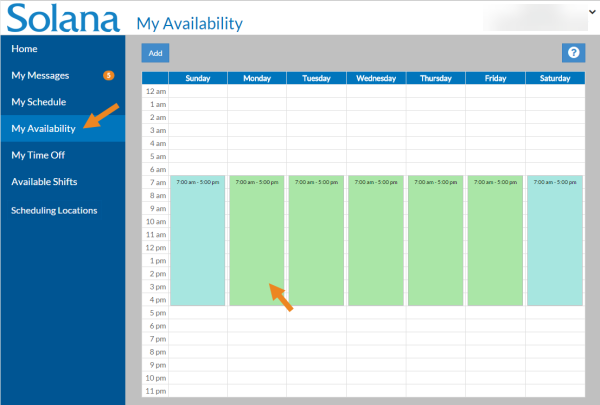
The Available Time window opens.
-
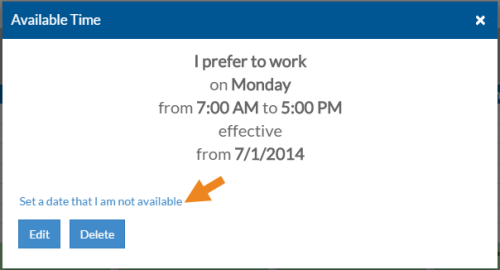
Select the Set a date that I am not available link.
-
Select the date you are not available to work at this time, then select the Save button.
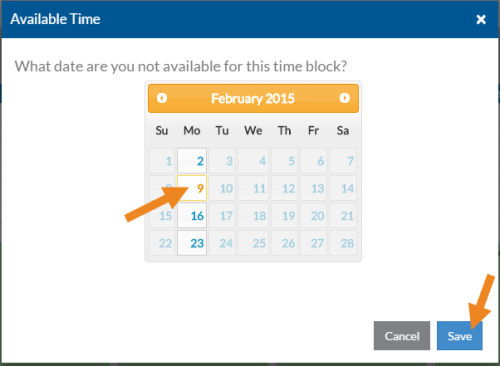
A white block with the unavailable date will appear in the grid.