Service Types
Setup managers can manage the service types that are selected when creating shifts. These match the Service Log service.
Complete the following steps to manage service types:
-
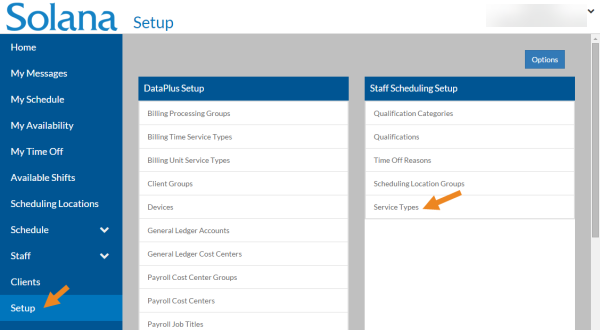
Select Setup on the menu and then select Service Types on the Staff Scheduling Setup card.
-
Select Add or the card you want to update.
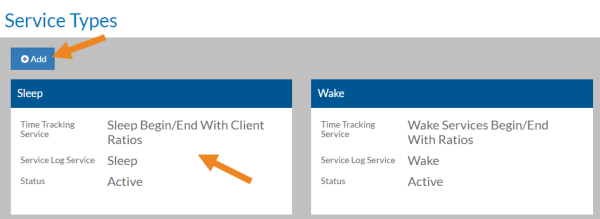
The Service Type opens.
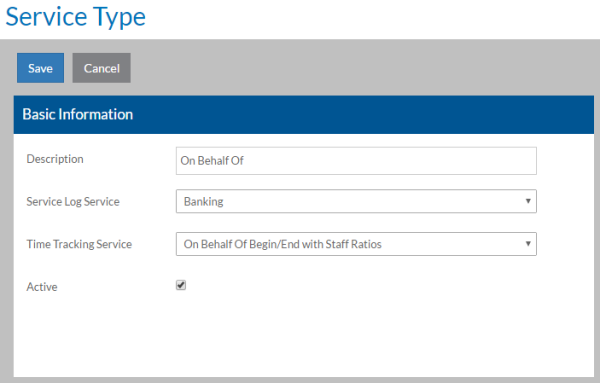
| Field | Description |
|---|---|
| Description | A Description of the Service Type |
| Service Log Service | The related Service Log service |
| Time Tracking Service | The related Time Tracking billing time service type |
| Active | The service type is in use |