Review Schedule Status
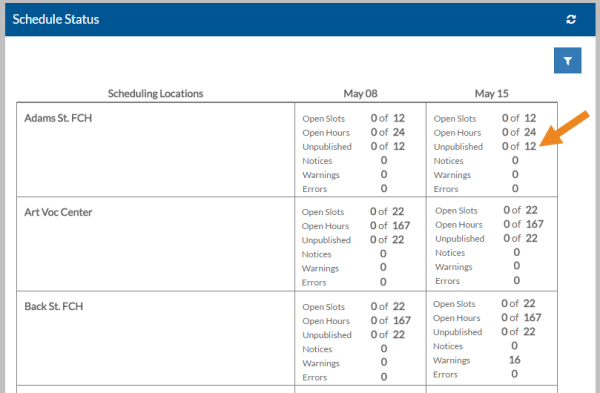
You can view an overview of the schedule status for all your scheduling locations from the Schedule Status screen.
To view the schedule status:
-
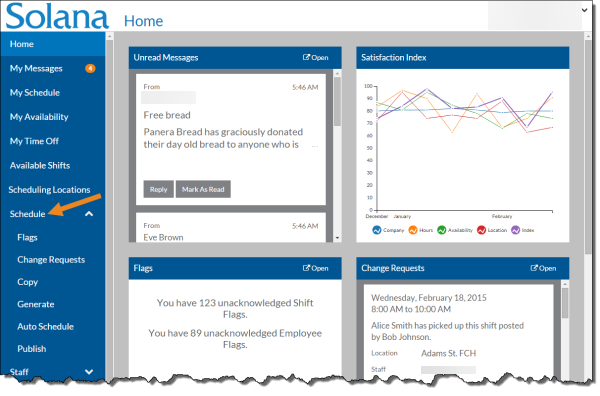
Select Schedule on the menu.
-
Select the location/week to go to the scheduling location's schedule.
-
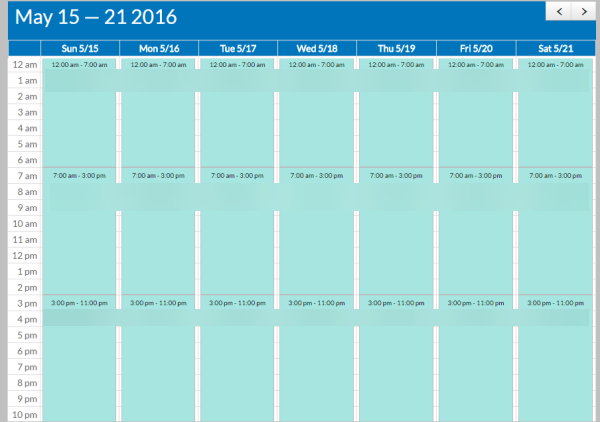
The schedule and scheduling location for that week is displayed.