Employees Qualification Categories
Setup Managers review qualification categories. Qualification categories are assigned to qualifications.
Complete the following steps to add or edit a qualification category.
-
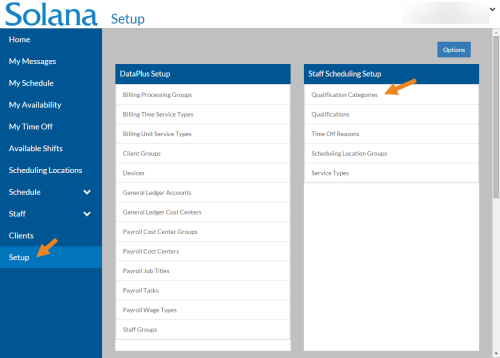
Select Setup on the menu and then select Qualification Categories on the Staff Scheduling Setup card.
-
Select Add or select the card you want to update.
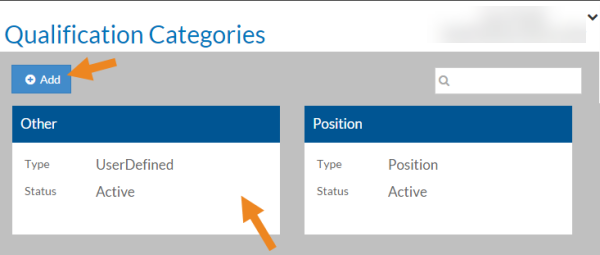
The Qualifications Category opens.
-
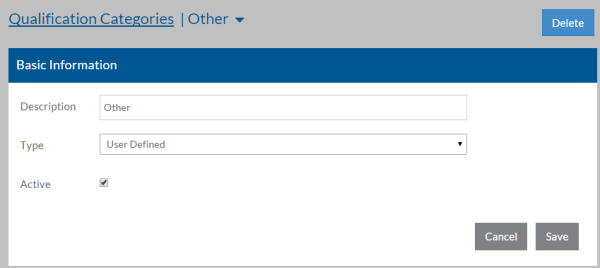
Complete the following information and select Save:
Field: Description: Description A description of the Qualification Category Type -
Position - Qualifications syncing from ProviderPro job titles
-
Training - Qualifications syncing from ProviderPro Employee Requirements
-
Third-Party - Qualifications syncing from another source
-
User-Defined - Qualifications adding directly to Staff Scheduling that do not sync from ProviderPro
Active The qualification category is in use -