Employees Delete Time Slots
Complete the following steps to delete a time slot of a shift template:
-
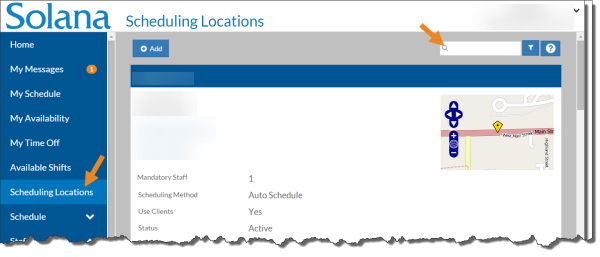
Select Scheduling Locations from the menu and then enter the name of the scheduling location in the Search field.
-
Select the card of the scheduling location.
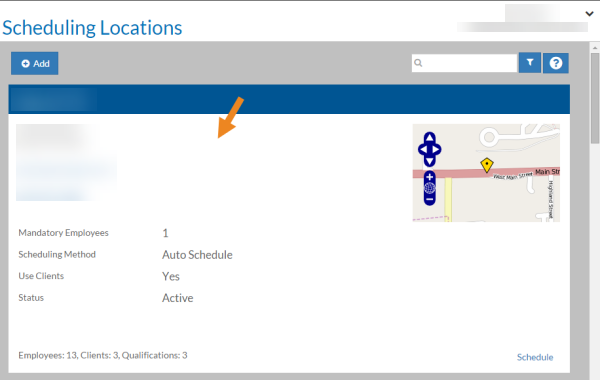
The scheduling location's card opens.
-
Select Shift Templates from the Actions menu.
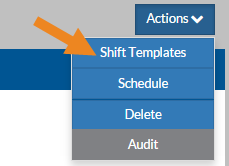
The Shift Templates window opens.
-
Select the time slot you want to delete on the grid.
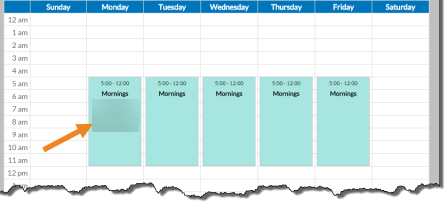
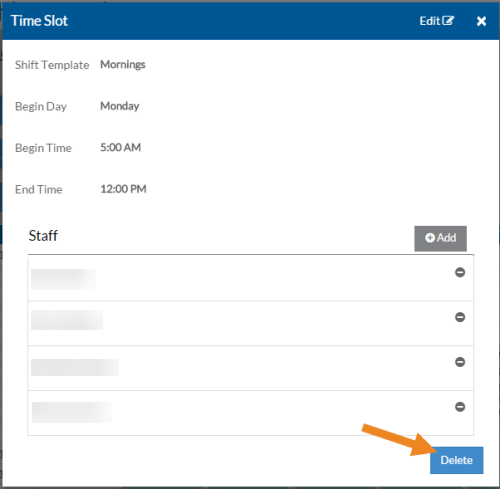
The Time Slot opens in a pop-up window.
-
Select the Delete button.
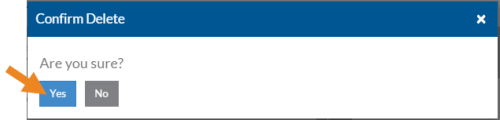
A confirmation message appears.
-
Select the Yes button.
The time slot disappears from the grid.