Employees Auto Schedule Multiple Schedule Locations
Complete the following steps to auto schedule staff to the shifts of more than one scheduling location:
-
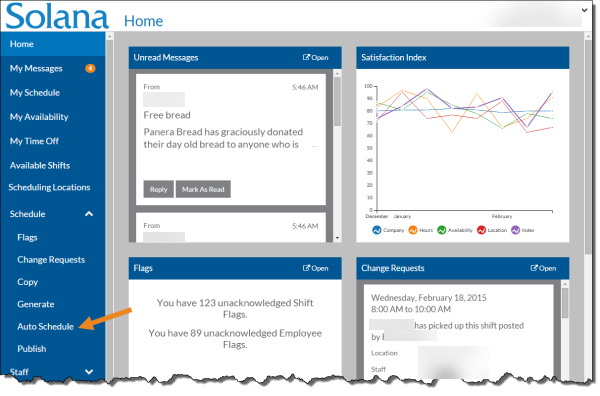
Select Auto Schedule from the Schedule menu.
-
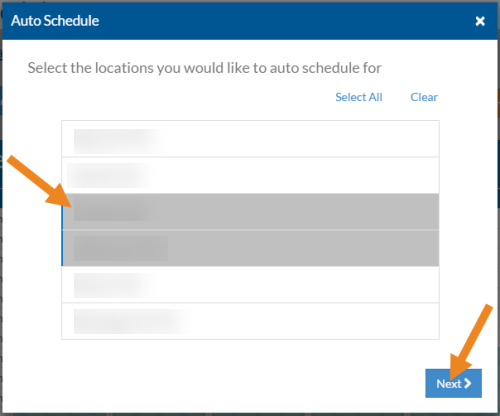
Select the scheduling locations you want to auto schedule and click the Next button.
-
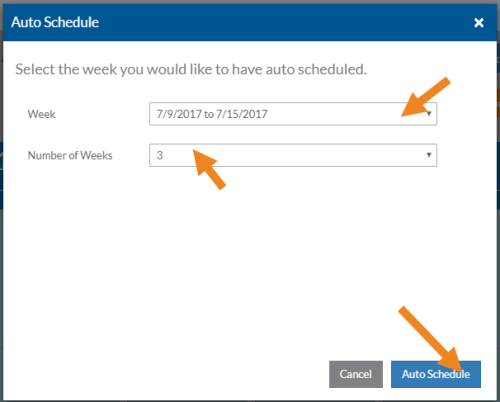
Select the first week you want to auto schedule, the number of weeks you want to auto schedule, and then click the Auto Schedule button.
-
It may take a few minutes for the auto schedules to complete. Next, select Schedule on the menu.
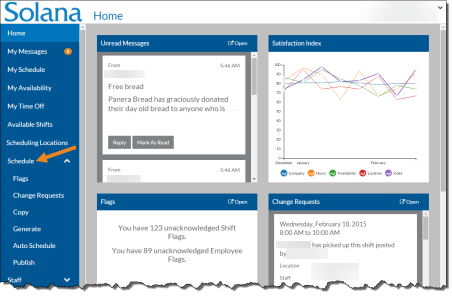
-
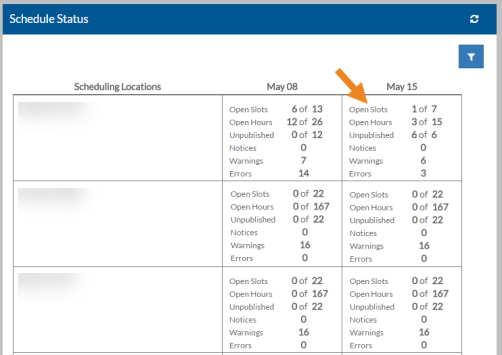
The status of each of the scheduling locations appears. Select the scheduling location/week to go to the scheduling location's schedule.
-
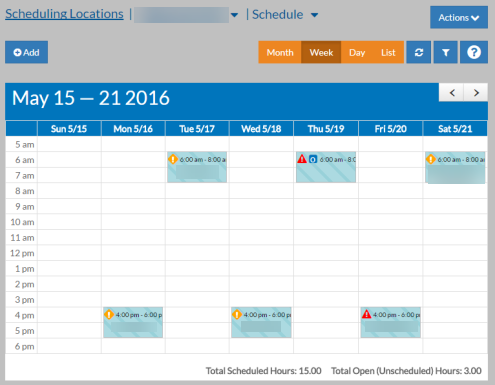
The schedule for that week and scheduling location appear.