Assign Qualifications to Scheduling Locations
If a scheduling location requires that staff that work at that scheduling location to have specific qualifications, the scheduling location manager assigns them to the scheduling location here. In addition the scheduling location manager designates the number of staff that must have a specific qualification. These settings will be the defaults for any new shifts or shift templates for the location. The auto-scheduler makes sure that any staff that works at that scheduling location has those qualifications.
To assign qualifications to a scheduling location:
-
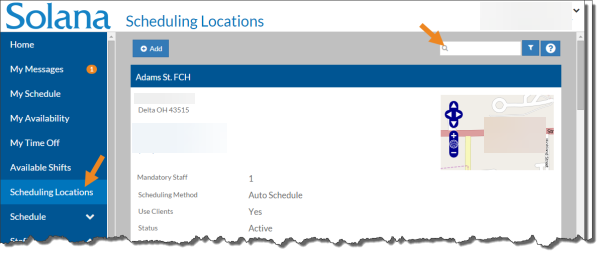
Select Scheduling Locations from the menu and then enter the name of the scheduling location in the Search box.
-
Select the card of the scheduling location you want to assign qualifications to.
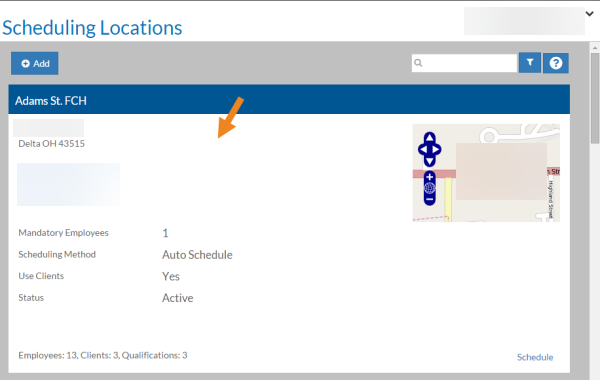
The scheduling location's card opens.
-
Select Add on the Qualifications card.
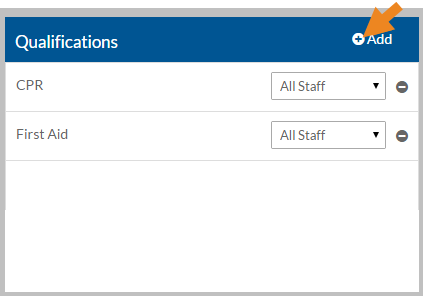
The Qualifications pop-up opens.
-
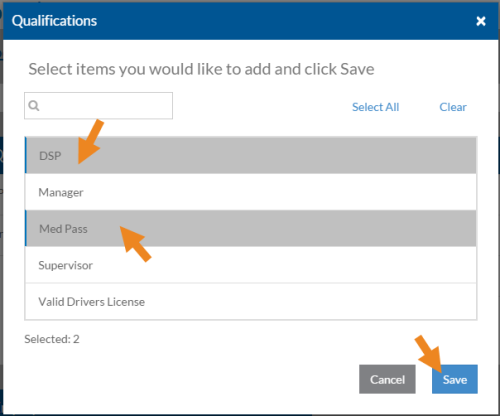
Select the qualification you want to assign to the scheduling location and then click Save.
-
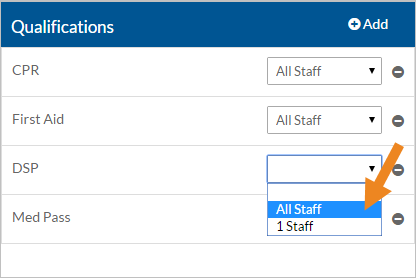
Select the number of staff that must have the qualification to work a typical shift.
-
Select the minus sign next to a qualification to remove it from the scheduling location.
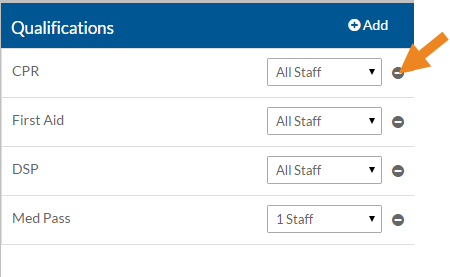
A confirmation message appears.
-
Select Yes.
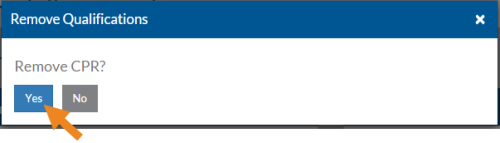
The qualification disappears from the card.