Install Citrix Workspace PC
-
Navigate to www.citrix.com/downloads/workspace-app/ on your web browser.
-
Select Download Citrix Workspace app for Windows. The Citrix Workspace app executable file is
downloaded.
-
Double click the CitrixWorkspaceApp.exe file to start the installation.
-
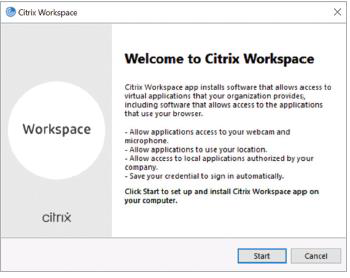
Select the Start button on the Installation screen to the installation.
-
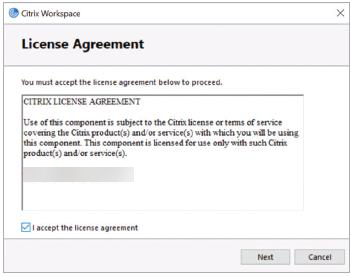
Accept the license agreement and click Next.
-
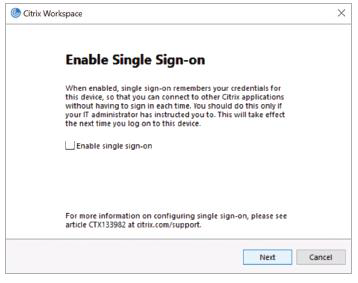
Select the Next button.
-
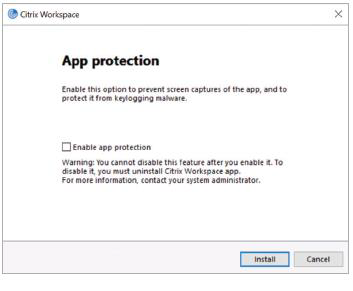
Select the Install button.
-
Follow the installation prompts to complete the installation.
-
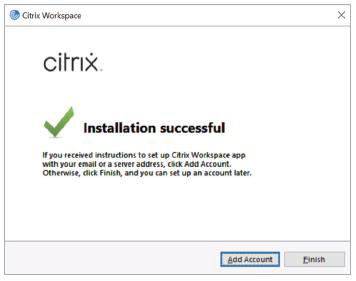
Once the installation is complete, select the Finish button.
Reference: Getting started with Citrix Workspace for PC. (n.d.). https://www.citrix.com/. https://www.citrix.com/content/dam/citrix/en_us/documents/guide/welcome-to-a-better-way-to-work-pc.pdf