Set and Clear User Defaults
Users have the ability to set their own default values. A user default overwrites a database default.
To set up or clear a user default:
-
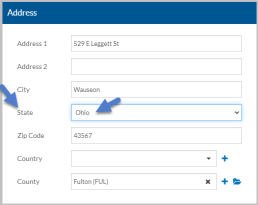
Enter the default value into the field you want to set the default for and click on the caption.
-
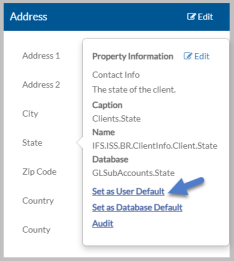
Select Set As User Default.
-
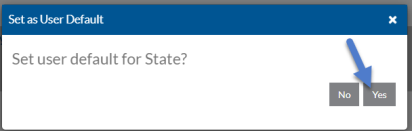
Select Yes to confirm you want to set the value as the user default.
-
Click on the caption of the field you just set the user default for again.
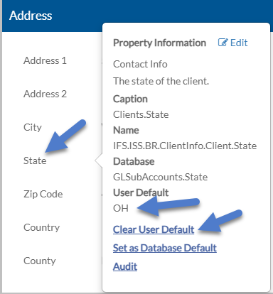
The value is set as the User Default for the field. If you were to add a new record, that value would prefill and could be changed if desired.
-
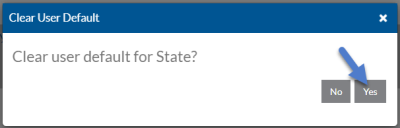
If you no longer want that value as the user default, select Clear User Default and then click Yes in the confirmation window.