Open or Edit a Reference from a Lookup
-
Click the folder icon next to the lookup property. You can be in View mode or Edit mode.

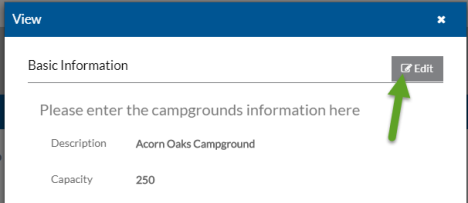
The referenced property opens in a View pop-up window.
-
Click Edit to make changes and then click Save.
Click the X to close the window and continue working with the original item.