MFA Settings
To update your Multi-Factor Authentication (MFA) settings:
-
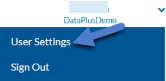
Click the arrow next to your user name in the top right corner and select User Settings.
-
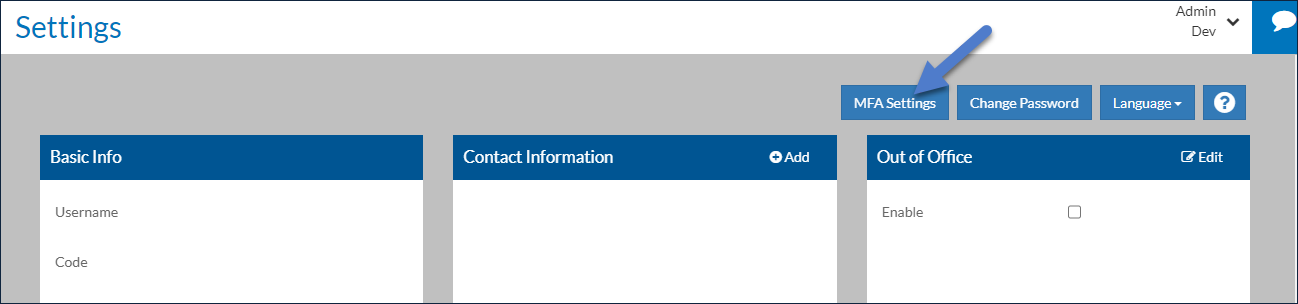
Click the MFA Settings button.
-
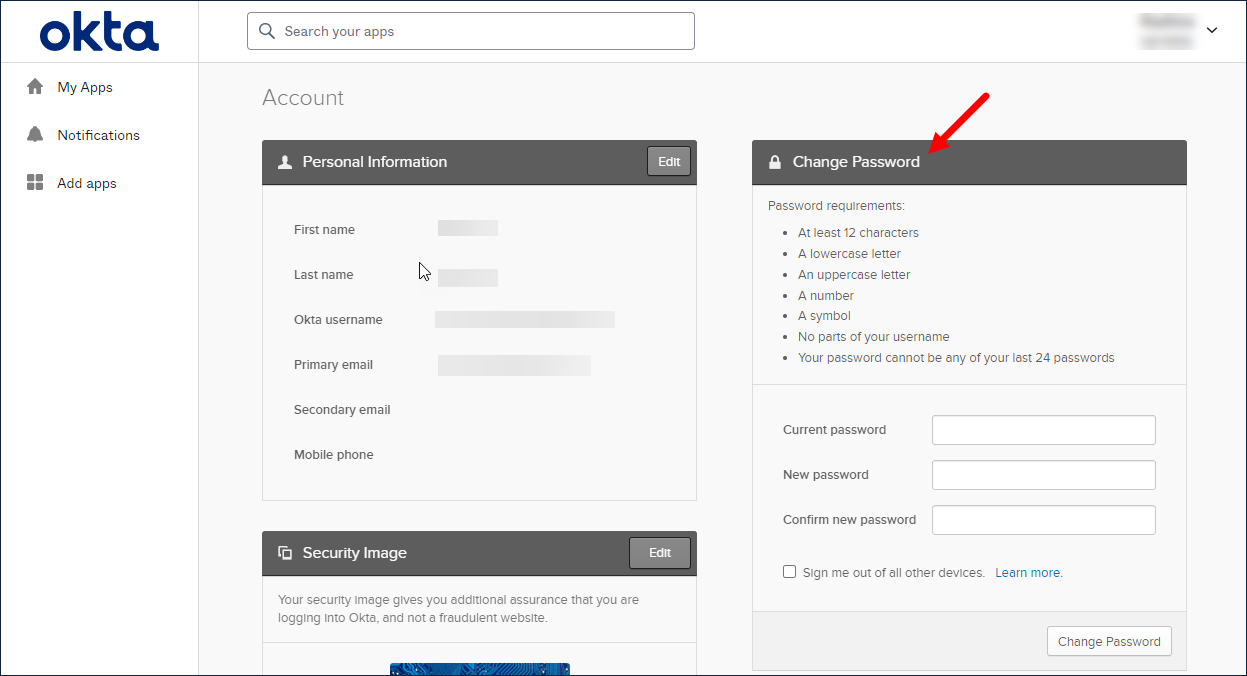
Your account opens in Okta where you can reset your password.
-
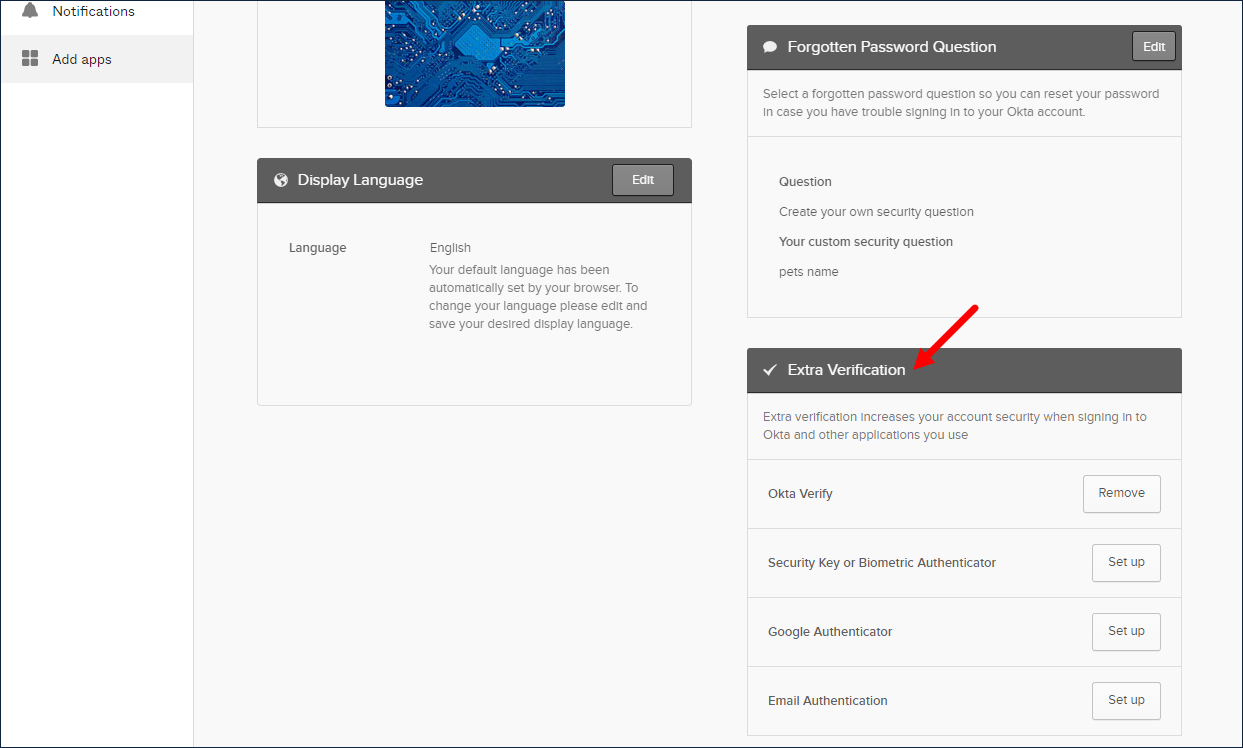
Under the Extra Verification header, you can remove your current authentication method (if you change devices) or set up an additional one.