Favorites Menu
You can add and remove items from the Favorites menu.
-
Go to the index screen or main transaction grid of an item.
-
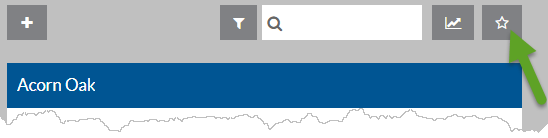
Click the Star button to the far right of the search box.
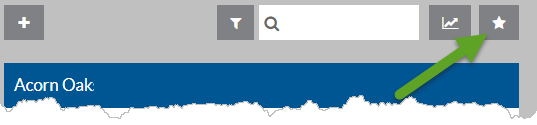
The Star icon is now filled in.
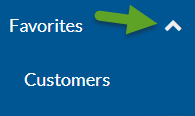
The item appears in the Favorites menu.
-
To remove an item from the Favorites menu, click the Star icon again. It reverts back to the outlined star.