Change Password
To change your password:
-
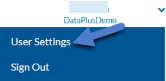
Click the arrow next to your user name in the top right corner and select User Settings.
-
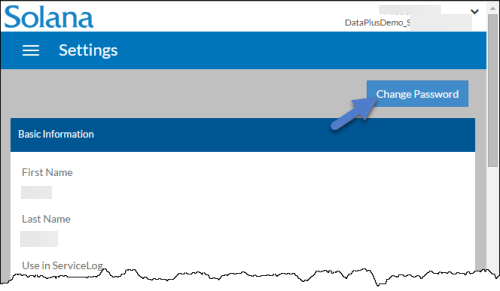
Click the Change Password button.
-
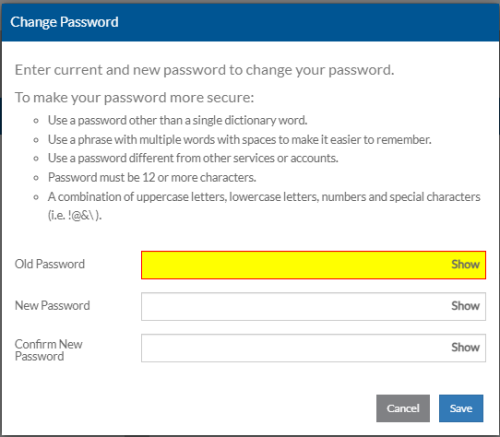
The Change Password window opens. Enter your Old Password, New Password, Confirm New Password and click Save.
Your password must be at least 12 characters long and contain all of the following: an uppercase letter, a lowercase letter, a number and a special character.