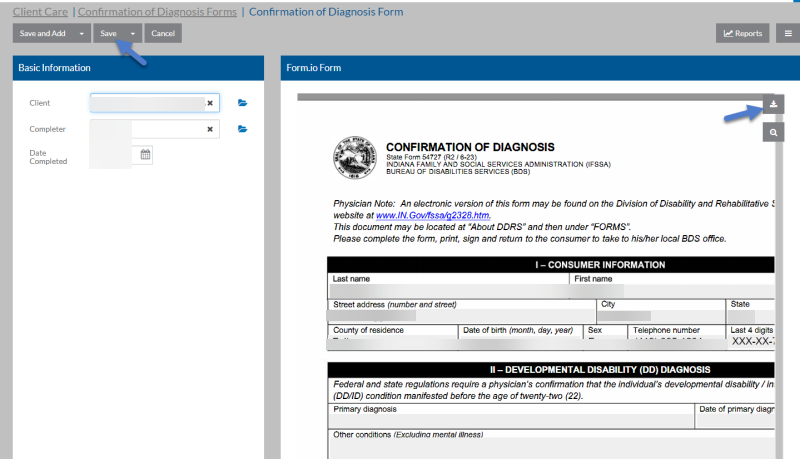
Client Care Client Licensure Tab
If your agency has licensed one of the State feature sets, the corresponding Form.IO workflow forms for the client is under the Licensure tab.
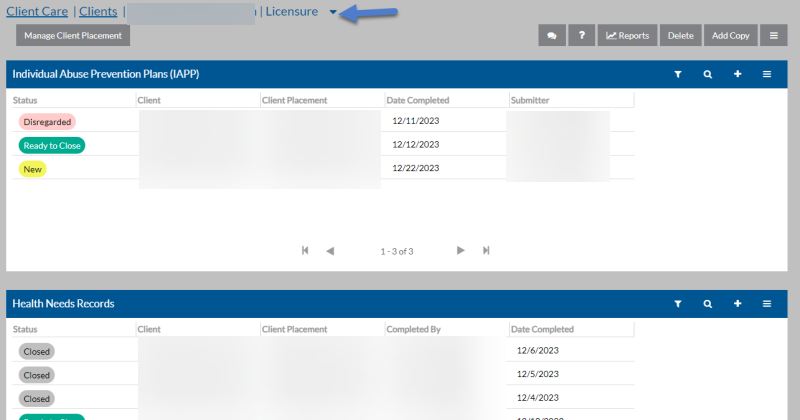
| If you have Licensed this State | Cards Available |
|---|---|
| California |
|
| Indiana |
|
| Minnesota |
|
| Pennsylvania |
|
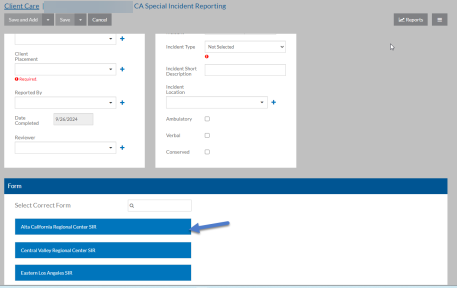
When opening or adding a Form.IO form, the Form.IO form appears to the right or below the Regular Data-Entry cards. If the Form.IO form does not appear, select a button to open the correct one.
Open the Form.IO form before you start to enter information into the other cards.
The data automatically populates into the form as you enter information into the cards. Continue filling out the Form.IO form and then click Save.
Click the Download icon to save, print, or export the form as a PDF.