Create a Call
Use the Create Call function when there are no calls for a visit. For example, if the employee forgot to call in, you would create the call in using Create Call. Employees can still call out at the end of the visit or, you would add a call out using the Call Log.
-
On the Visit Maintenance window, select the CREATE CALL button.

-
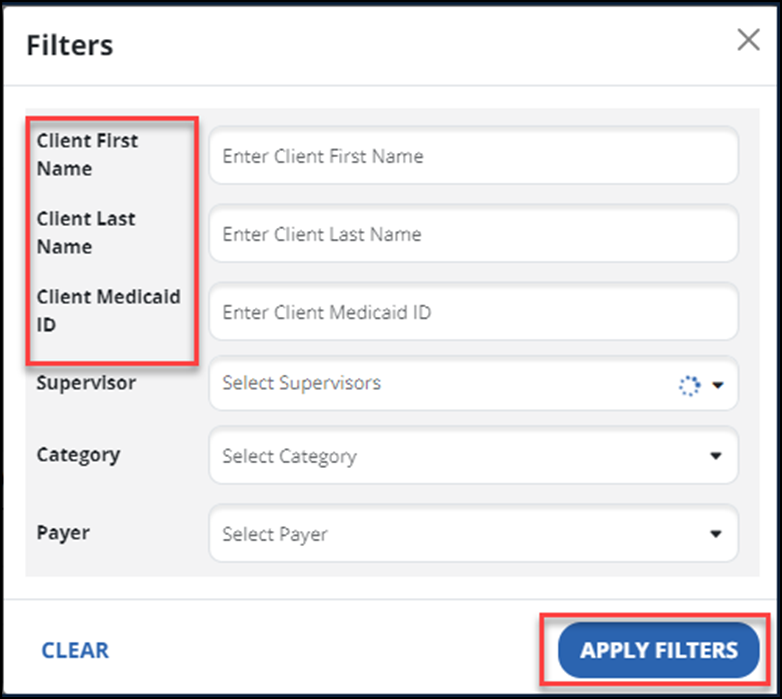
Use the column Filters button to find the client. Then select the APPLY FILTERS button.

-
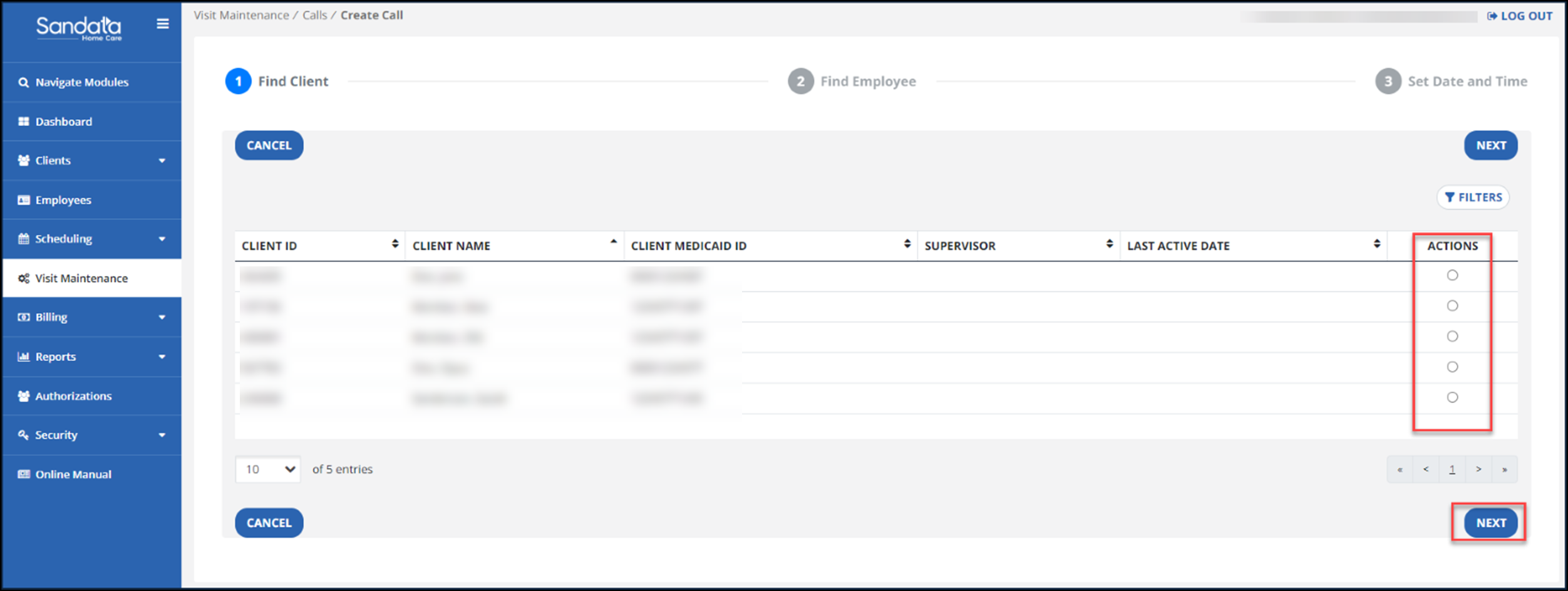
Using the ACTIONS option, select a Client. Then select the NEXT button.
-
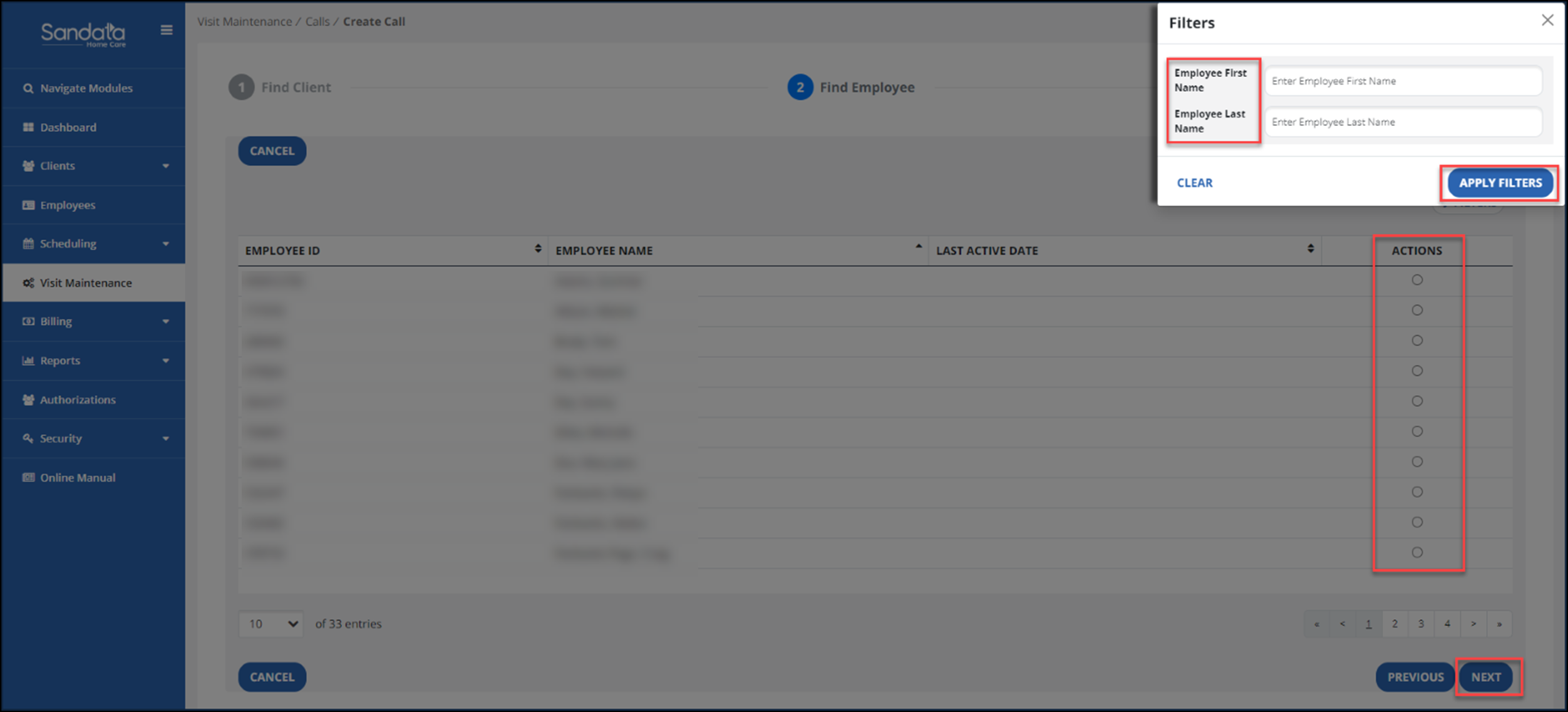
Search for the employee using Filters menu in the Select Employee section. Select the APPLY FILTERS button. Select an employee to add to the visit using the Actions radio button. Then select the NEXT button.
-
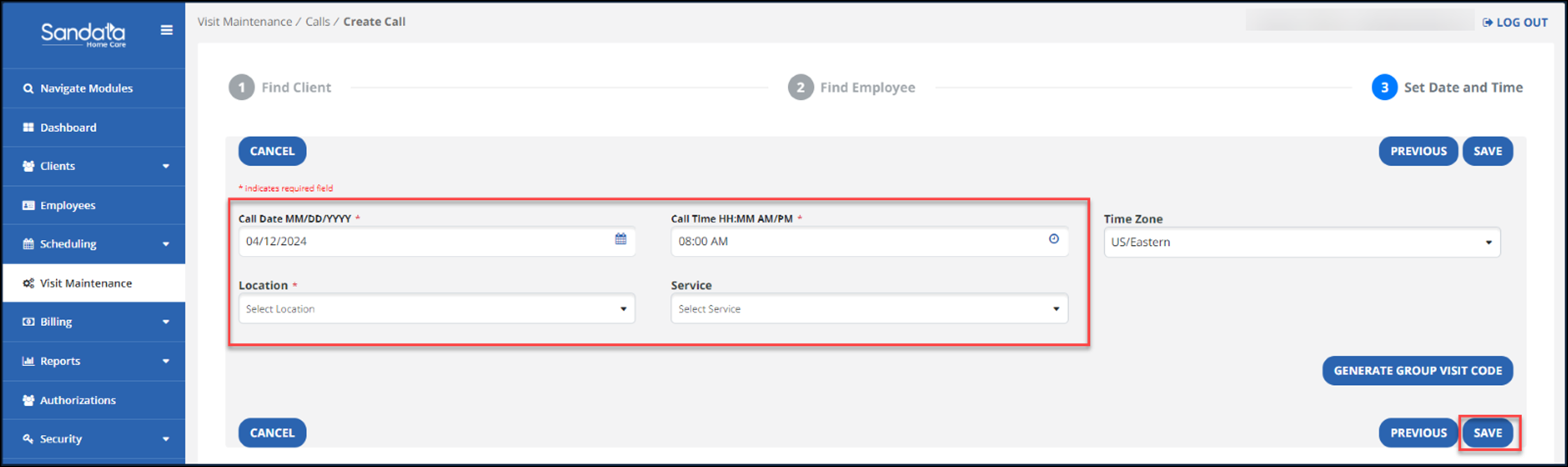
On the next screen, enter the call date and call time. Then enter the Location and Service (if available and your program uses Service. The Service field is now required for creating manual visits.
-
Select the SAVE button. This will add the call in and create the visit.