Request a Mobile Device
Some EVV programs provide dedicated mobile devices to Clients. To request a mobile device, follow these steps.
-
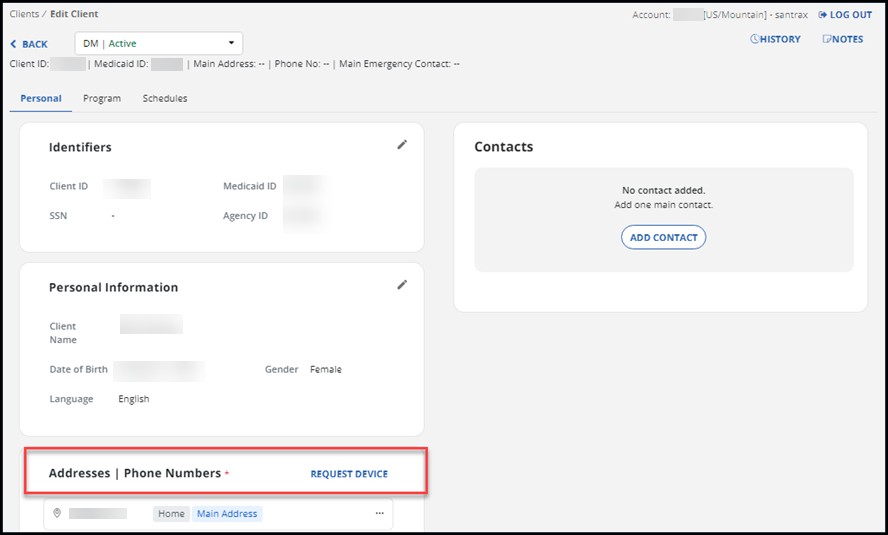
Go to Client Management, then open the Client’s profile.
-
From the Personal tab, go to the Addresses section. Select the REQUEST DEVICE option.
-
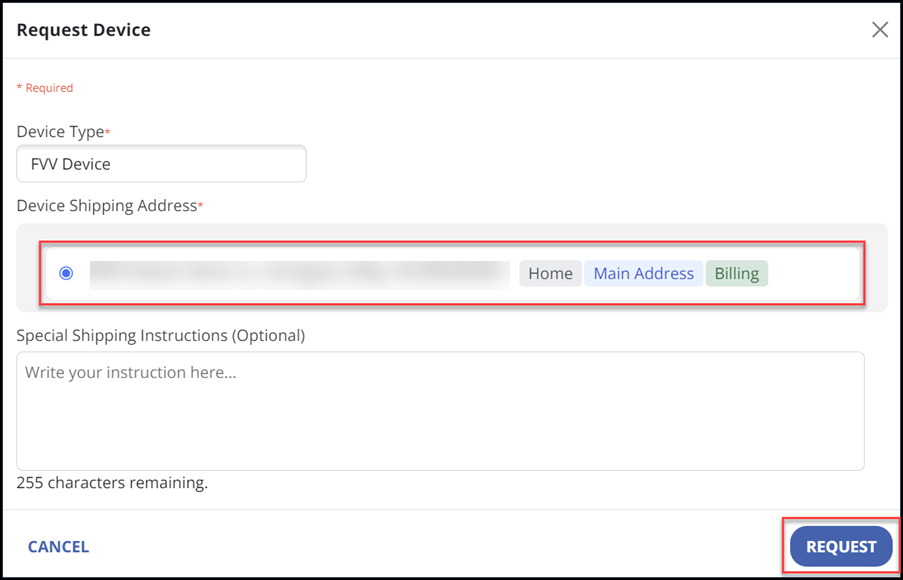
In the Request Device window, select the radio button for shipping address. This will be an address that is already listed as a Client address.
-
Enter special shipping instructions in the Special Shipping Instructions (Optional) field, if needed.
-
Select the REQUEST button.
-
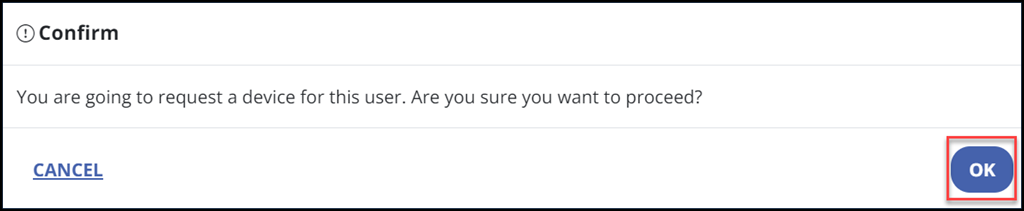
Select the OK button on the pop-up window to confirm that you’ve requested the device to be shipped to the Client.