Search for a Plan of Care
To search for a Plan of Care:
-
Go to Plan of Care from the side navigation menu.
-
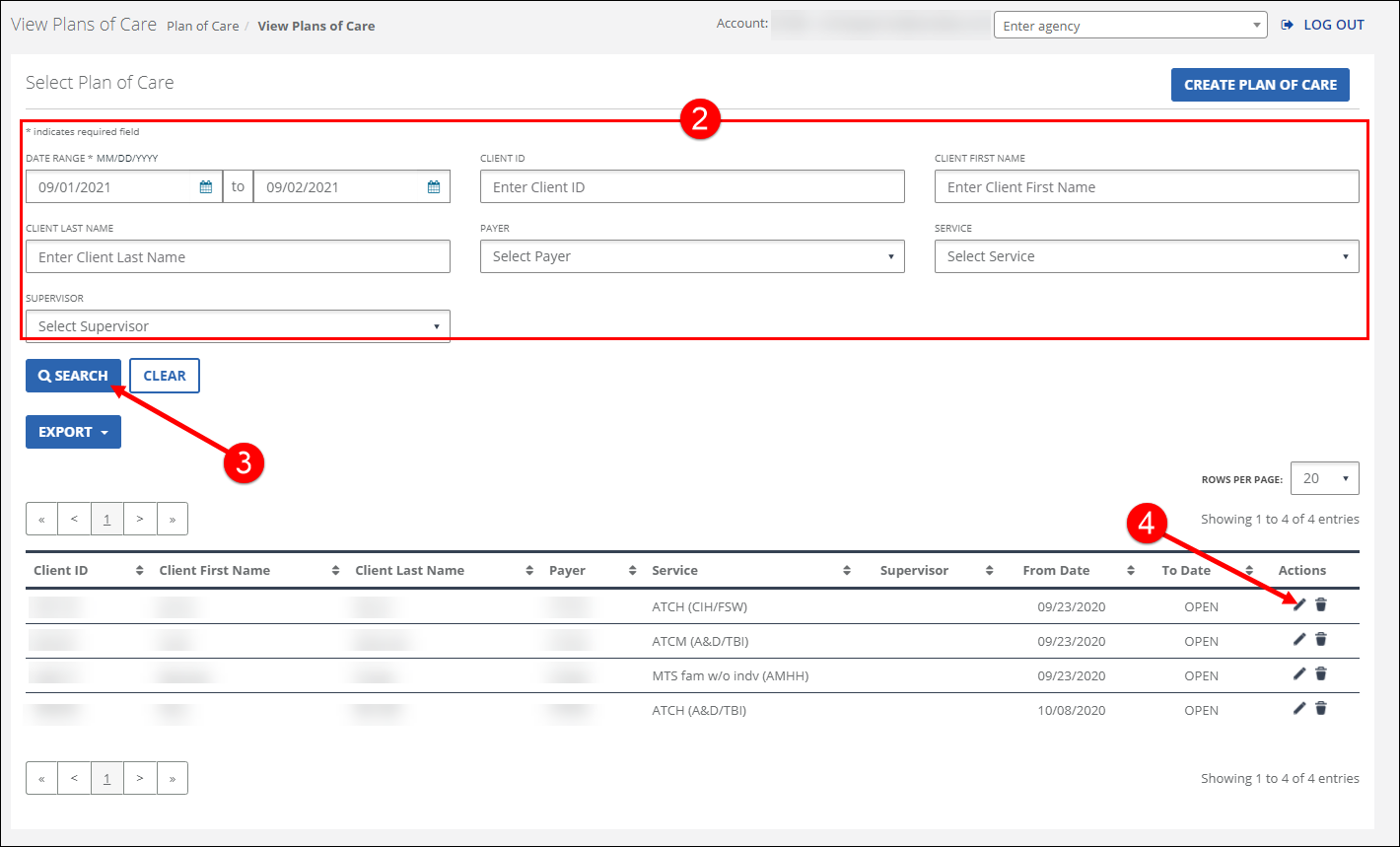
Enter the search criteria. Searching with no criteria selected displays a complete list of all Plans of Care which were active during the selected date range.
-
Click SEARCH.
-
Click the Edit icon
 to view the Creating New / Editing Plan of Care screen.