View a Message
The Messaging section displays messages sent to the EVV account. Messages are read only. Users cannot use the system to respond to messages.
To view a message:
-
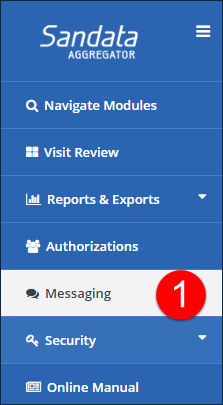
Go to Messaging in the side navigation menu.
-
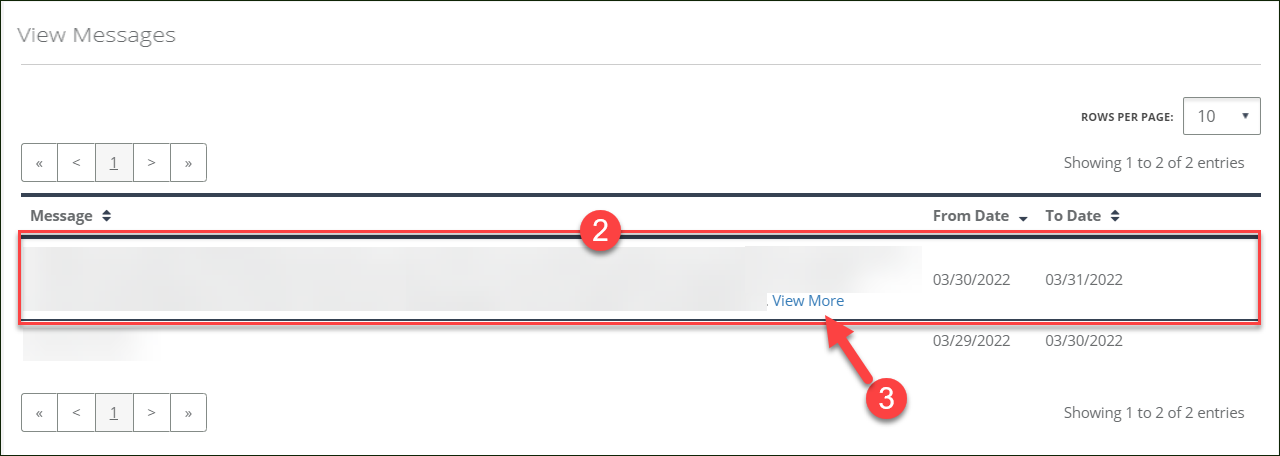
Click on the message.
-
Click the View More link to display a pop up screen with the full message, if applicable.
-
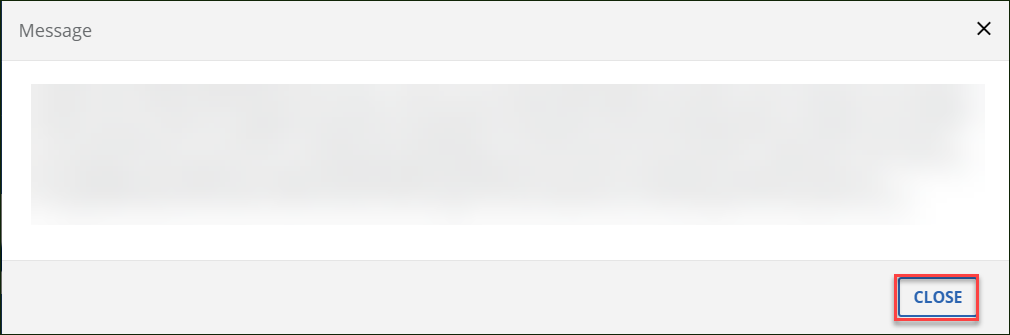
Click CLOSE to close the message.