Edit an Employee Profile
To edit an Employee Profile:
-
Go to Data Entry > Employees and find the Employee Profile you want to edit.
-
Click the Edit icon
 for the employee or anywhere on the line item.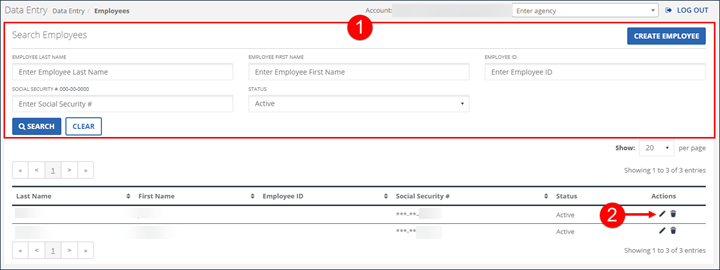
-
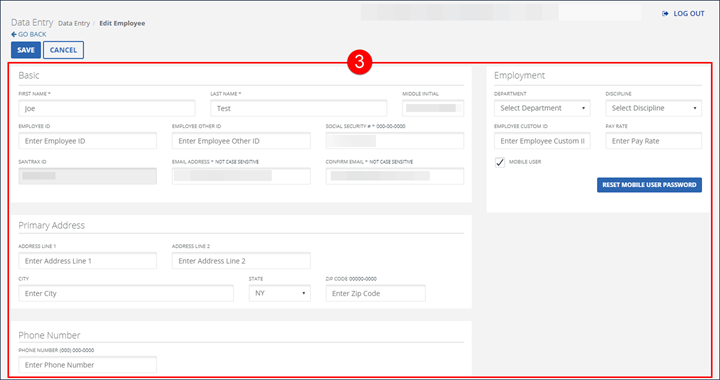
Modify the applicable fields. Required fields are indicated by an asterisk (*) and will vary based on configuration. At a minimum all required fields must be populated. When available, click ADD to insert the related fields into the table.
-
Click SAVE.
-
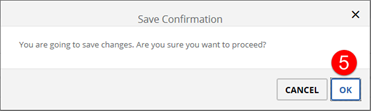
Click OK on the Save Confirmation popup. The Save Confirmation includes a notice if the MOBILE USER checkbox is not selected.
-
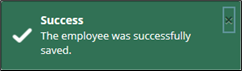
A notification of confirmation or error displays at the top of the screen.