Edit a User
To edit a user:
-
Go to Security > Manage Users and search for a user.
-
Click the Edit icon
 to the right of the user.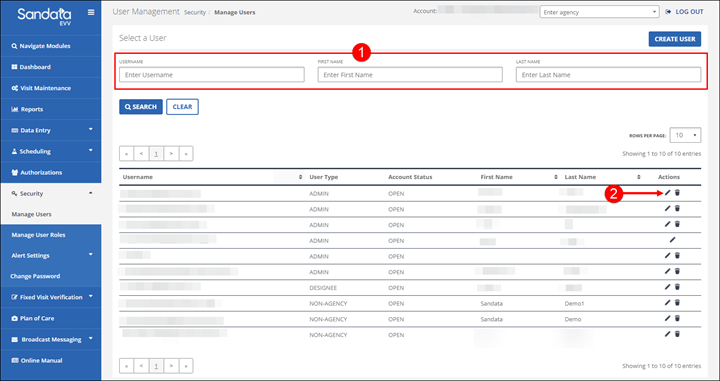
-
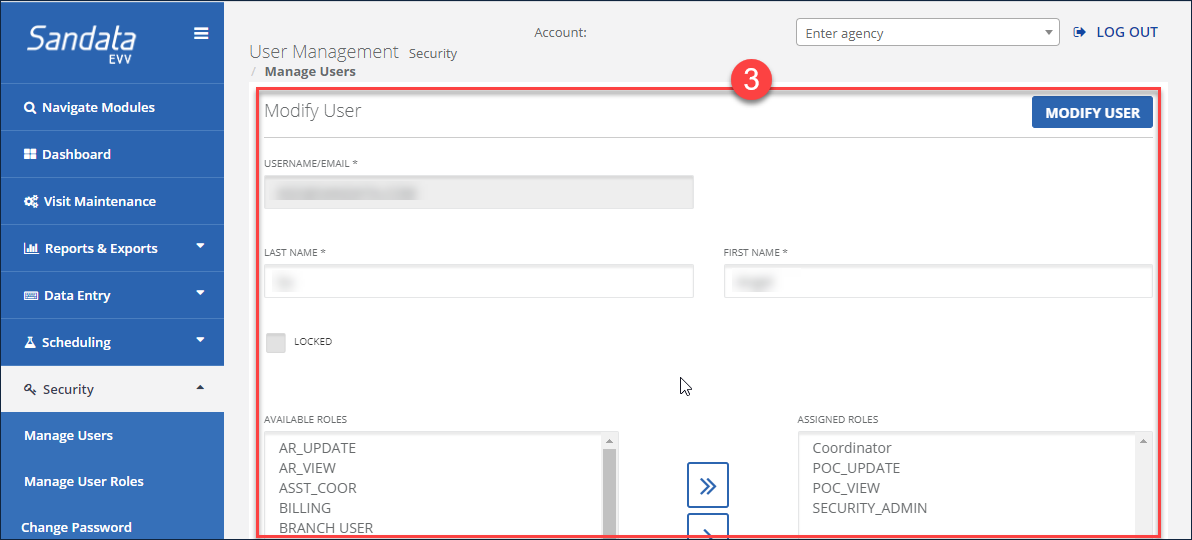
Make any necessary changes to the user.
-
Click the MODIFY USER button.
-
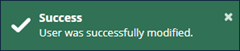
A notification of confirmation or error displays at the top of the screen.