Deactivate a User Role
To deactivate a user role:
-
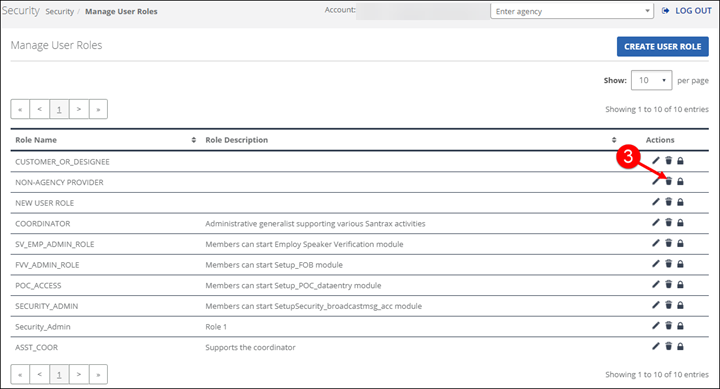
Go to Security > Manage User Roles.
-
Search for a user role.
-
Click the Delete icon
 .
.
-
Click DELETE.
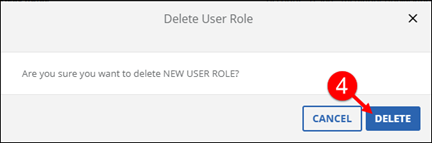
While the pop-up says Delete, the user role is only deactivated.