Create a Holiday
If a holiday that is observed by your agency doesn’t exist in the system, you can create a new holiday. Additionally, you can temporarily suspend alerts for a specified holiday or date from the Setup Holidays screen.
To create a holiday:
-
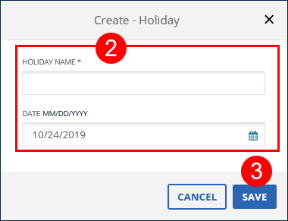
Go to Security > Alert Settings > Setup Holiday. Click the CREATE button.
-
Enter/Select all applicable fields.
-
Click SAVE.
-
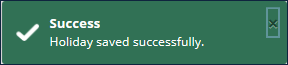
A notification of confirmation or error displays at the top of the screen.