Create Agency Accounts Email
Use this process to create an email for a contact to receive alerts. When creating an Agency Account Email for an internal user, use the USER CONTACT INFO button on the Manage User screen Security > Manage Users. This links the Agency Account Email to the user's username.
-
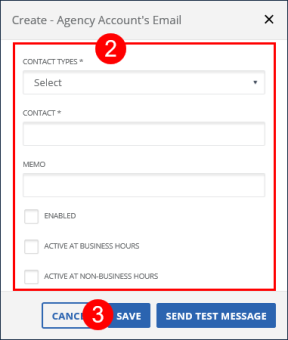
Go to Security > Alert Settings > Setup Agency Account's Emails and click the CREATE button.
-
Enter/Select all applicable fields.
-
Click SAVE.
-
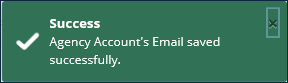
A notification of confirmation or error displays at the top of the screen.