Sandata Messaging

Posted messages can be created from the Manage Messages page. To do so, complete the following steps.
-
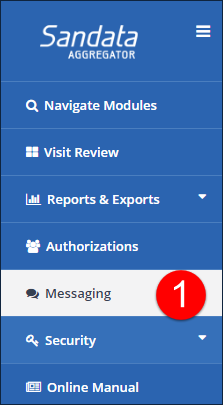
Go to the Manage Messages page under Messaging.
-
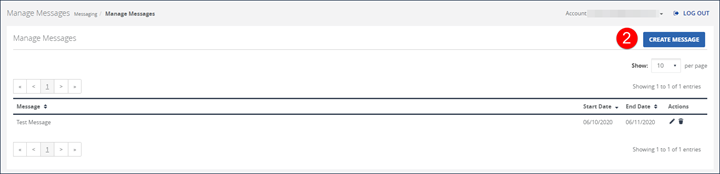
Select the CREATE MESSAGE button.
-
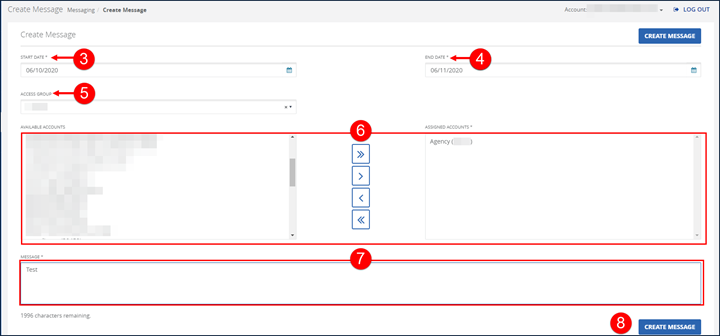
Enter a date in the START DATE field.
-
Then, select a date in the END DATE field.
-
Select an option from the ACCESS GROUP dropdown menu.
-
Next, select an account and use the assignment buttons to move accounts between the AVAILABLE ACCOUNTS and the ASSIGNED ACCOUNTS fields.
-
Enter a message in the MESSAGE field. Messages have a limit of 2000 characters.
-
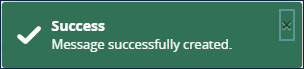
Select the CREATE MESSAGE button. A notification of confirmation, or error, displays at the top of the window.
Users can adjust the text of the message and the start or end dates. The edit message process is similar to creating a message. To edit a message:
-
Go to the Manage Message page under Messaging.
-
Select the Edit icon
 to edit the message.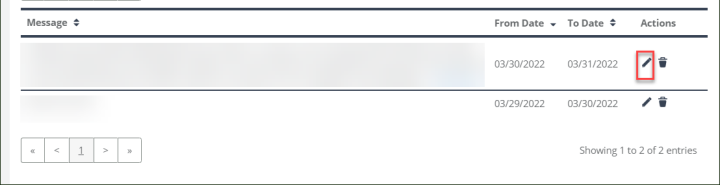
-
Edit all applicable fields.
-
Next, select the MODIFY MESSAGE button. A notification of confirmation or error displays at the top of the screen.

Aggregator users can view messages on the Manage Message page. To view a message:
-
Go to the Manage Messages page under Messaging.
-
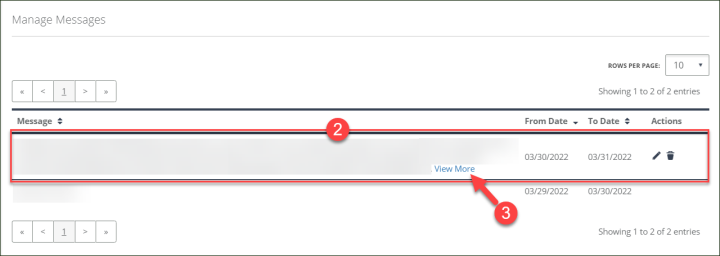
Select the message.
-
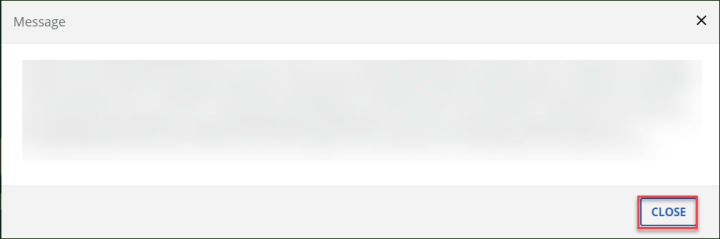
Select the View More link to display a pop-up window with the full message, if applicable.
-
Select the CLOSE button.
-
Aggregrator users can use the Manage Message page to delete message(s). To delete a message:
-
Go to the Manage Messages screen (Messaging).
-
Select the Delete icon
 in the message's Actions column.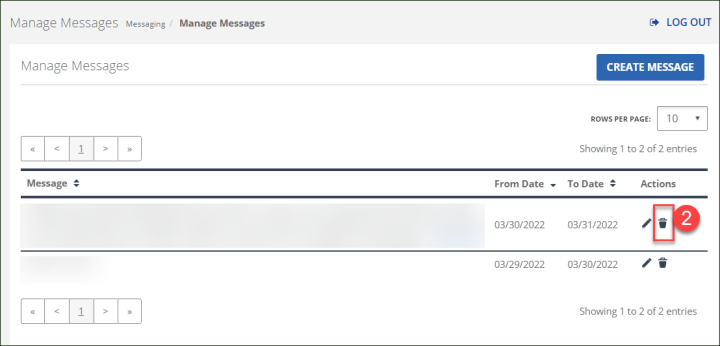
-
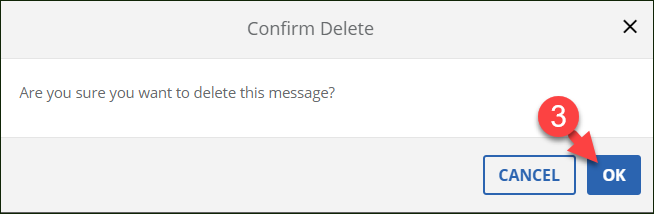
Select the OK button to confirm the message is deleted.