View a Staff Member's Unavailability
To view days that a staff member may be unable to work:
-
Go to Main Menu > Staff.
-
Locate and double click on the staff member using the search filters.
-
Click Availability.

-
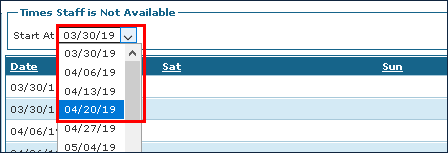
Click the Start At dropdown to choose a week.