Add System Login Privileges to a Staff Member's Profile
To add privileges to a staff member’s profile:
-
Go to Main Menu > Staff.
-
Use the filters to locate the staff member. Double-click to open the staff profile.
-
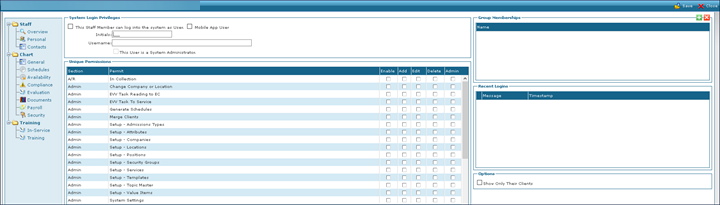
Click Security.
-
Enter the system login information.
-
Click Save.
