Remove a Staff Member from a Class
If a staff member has been added to a class by mistake or needs to be dropped it may be necessary to remove them:
-
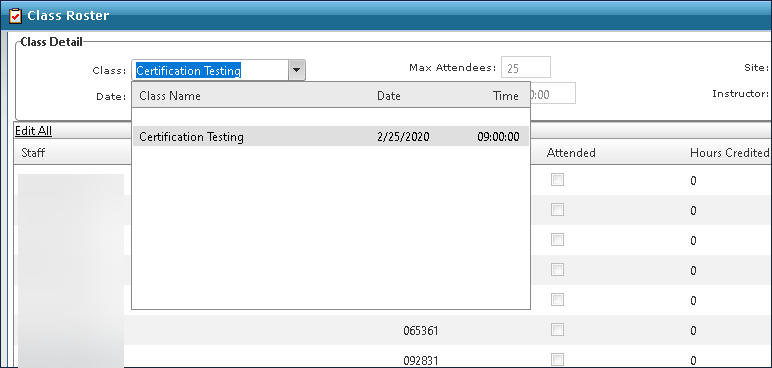
Go to Main Menu > Staff > Training > Class Roster.
-
Select the class from the Class drop down.
-
Locate the staff member.
-
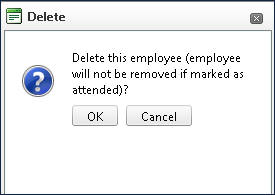
Click Delete. The Delete Confirmation window opens.

-
Click OK.