Add a New Staff Member
To add a new hire or update a staff member to a new profile:
-
Go to Main Menu > Staff.
-
Click New Staff.

-
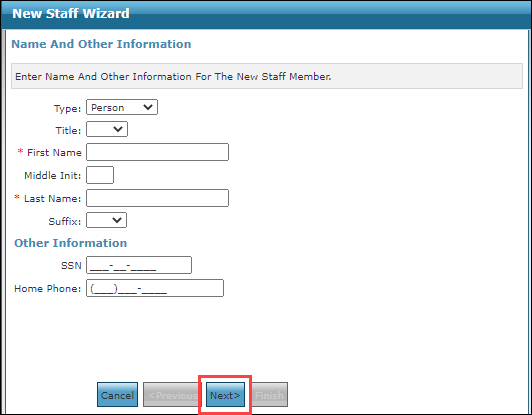
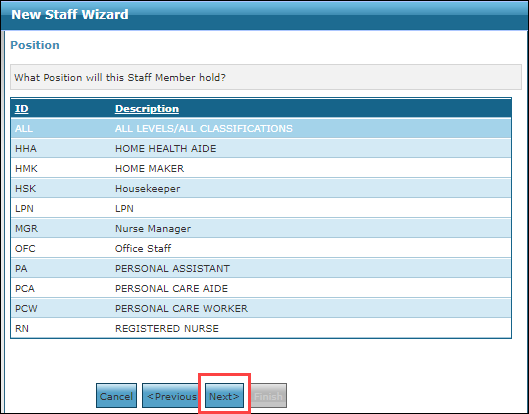
Follow the steps in the wizard to add the staff member to the system.
Click Next to move on to the next steps.
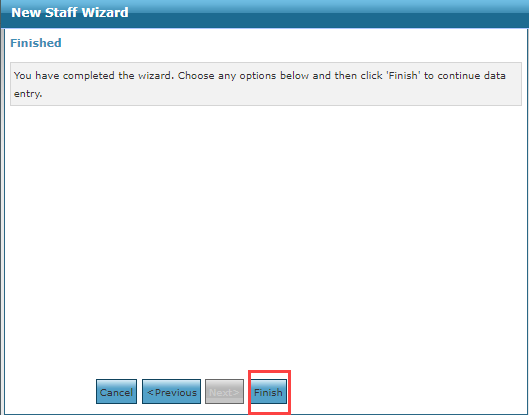
Click Finish to complete the process. The staff member is added to the system.