Change Schedule View
The View option allows you to select different formats to display the scheduled events.
To change the view of selected schedules:
-
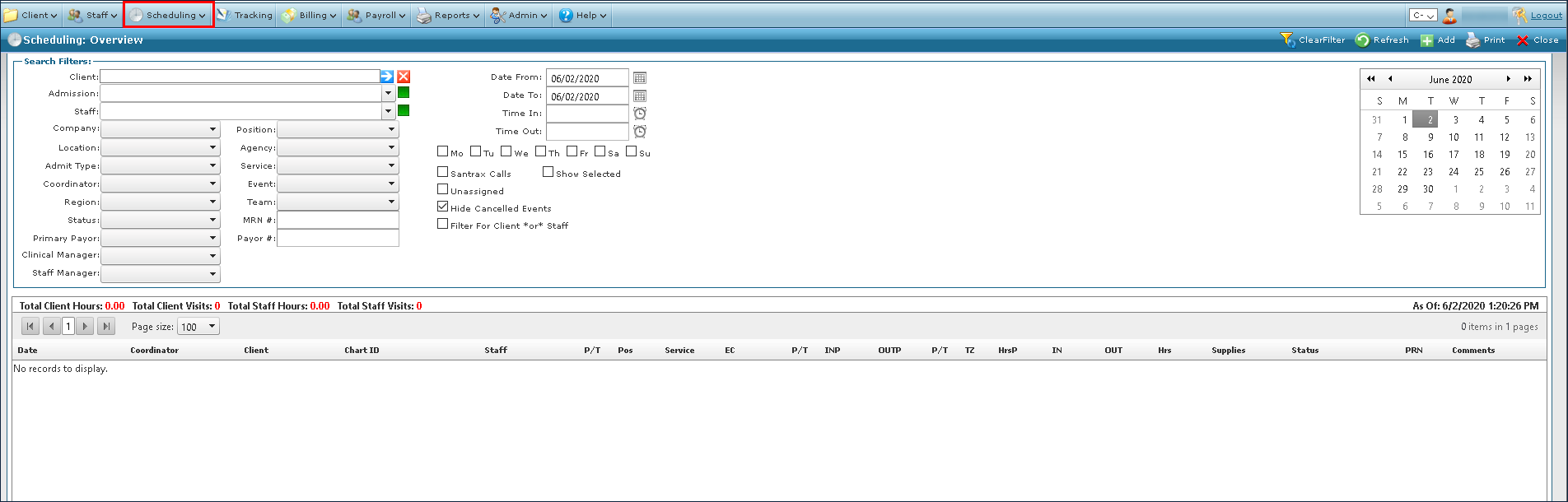
Go to Main Menu > Scheduling.
-
Choose the search filters matching the criteria for the schedule.

-
Right click on the schedules, click View, and choose the new option.
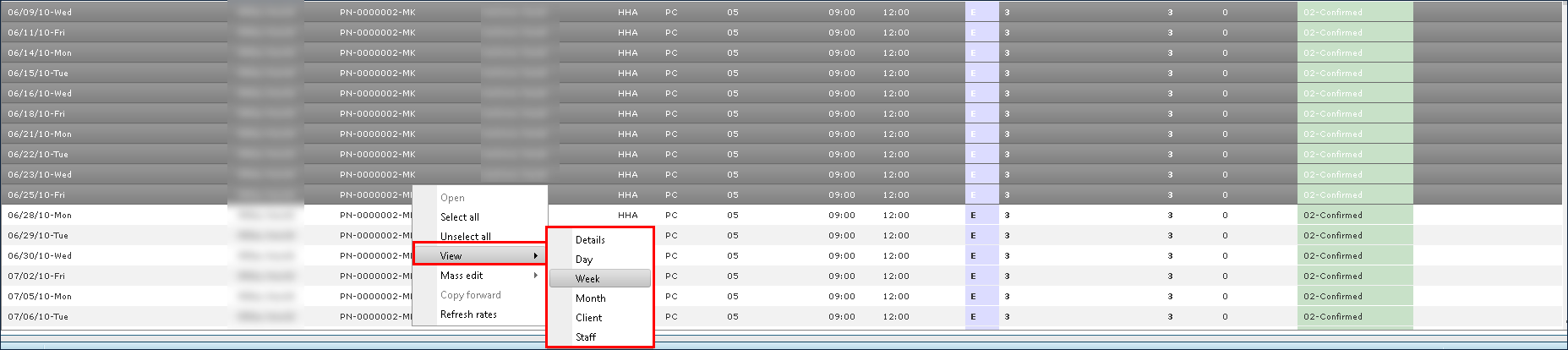
The schedule view changes based on the selection.