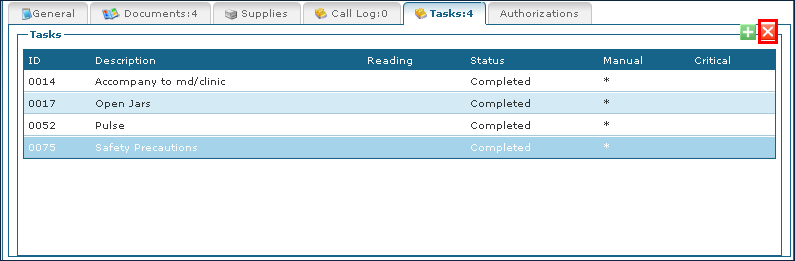
Manage Tasks in Schedules

Depending on account set up, the service selected for the visit limits the tasks selection to that service.
To add tasks to a schedule:
-
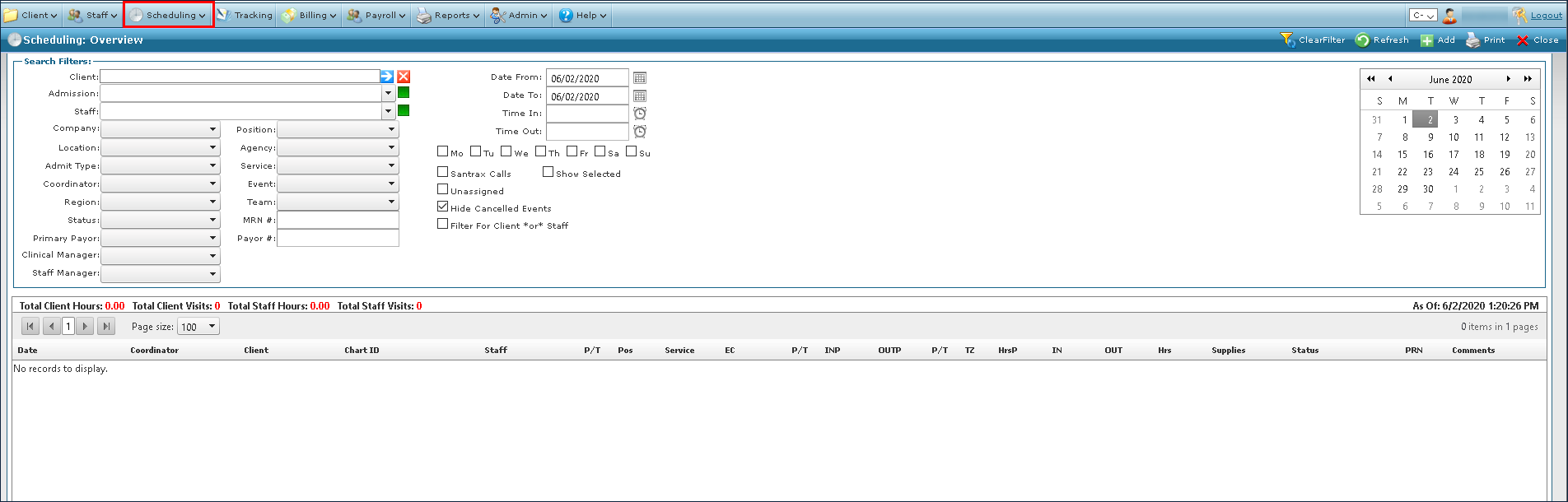
Go to Main Menu > Scheduling.
-
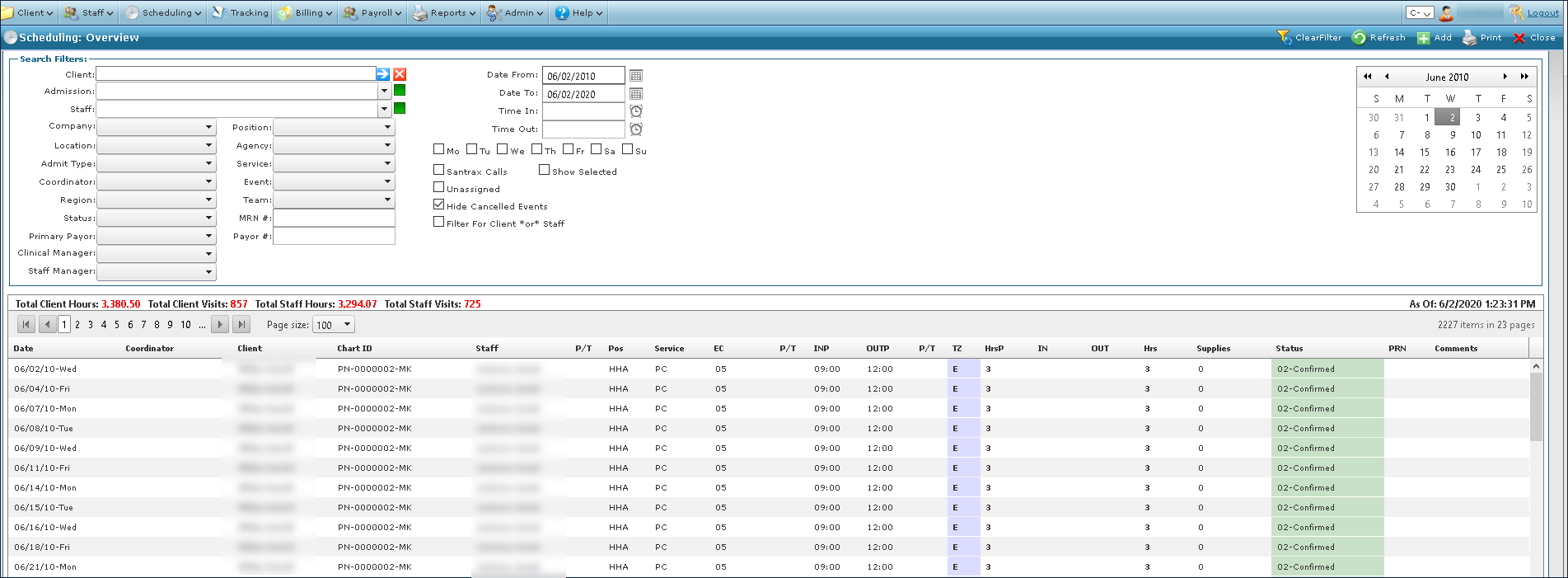
Choose the search filters matching the criteria for the schedule.

-
Click Refresh.

-
Locate the schedule in the results list.
-
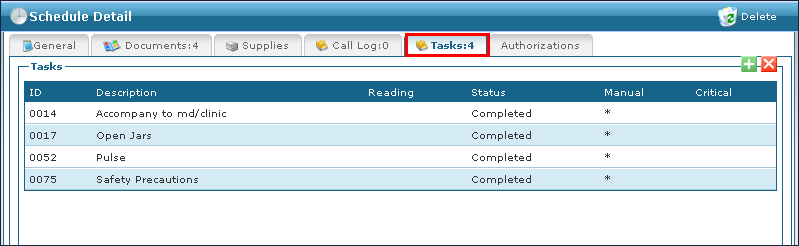
Click the Tasks tab.
-
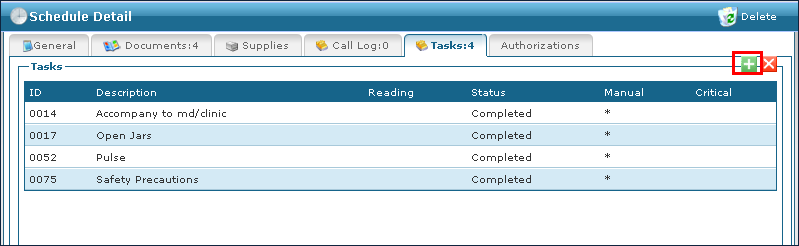
Click Add Task.
-
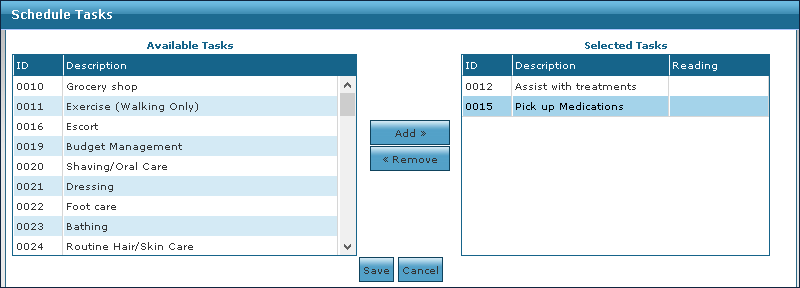
Select the tasks to be added to the schedule. The tasks displayed may be limited based on the service selected.
-
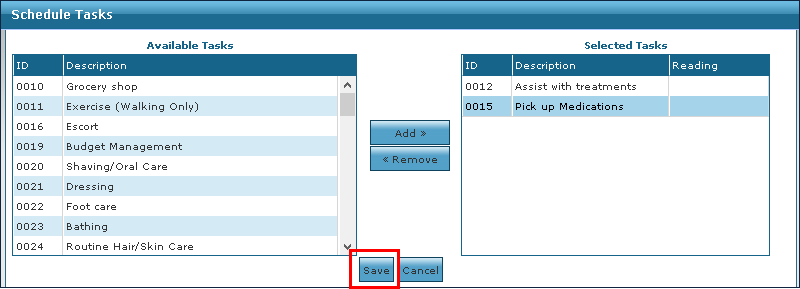
Click Save.
To remove a task that was incorrectly added or no longer required:
-
Go to Main Menu > Scheduling.
-
Choose the search filters matching the criteria for the schedule.
-
Click Refresh.
-
Locate the schedule in the results list.
-
Click the Tasks tab.
-
Click on the task to be removed.
-
Click Remove Task.