Refresh Rates
Select this option to update any changes made to rates through the Master Rates, System Payor, Payor by Client, Staff Payroll or Schedule Detail screen.
To update any rate changes:
-
Go to Main Menu > Scheduling.
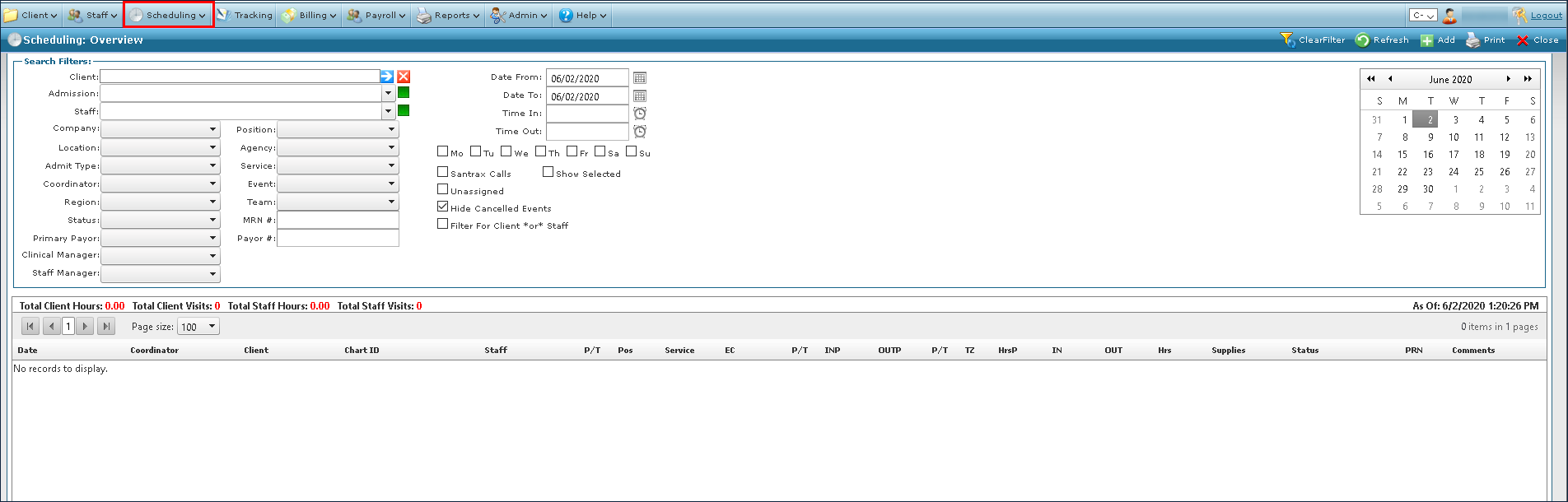
-
Choose the search filters matching the criteria for the schedule.

-
Select the desired schedules.

-
Right click on the schedules, then select Refresh Rates.
