Open a Schedule
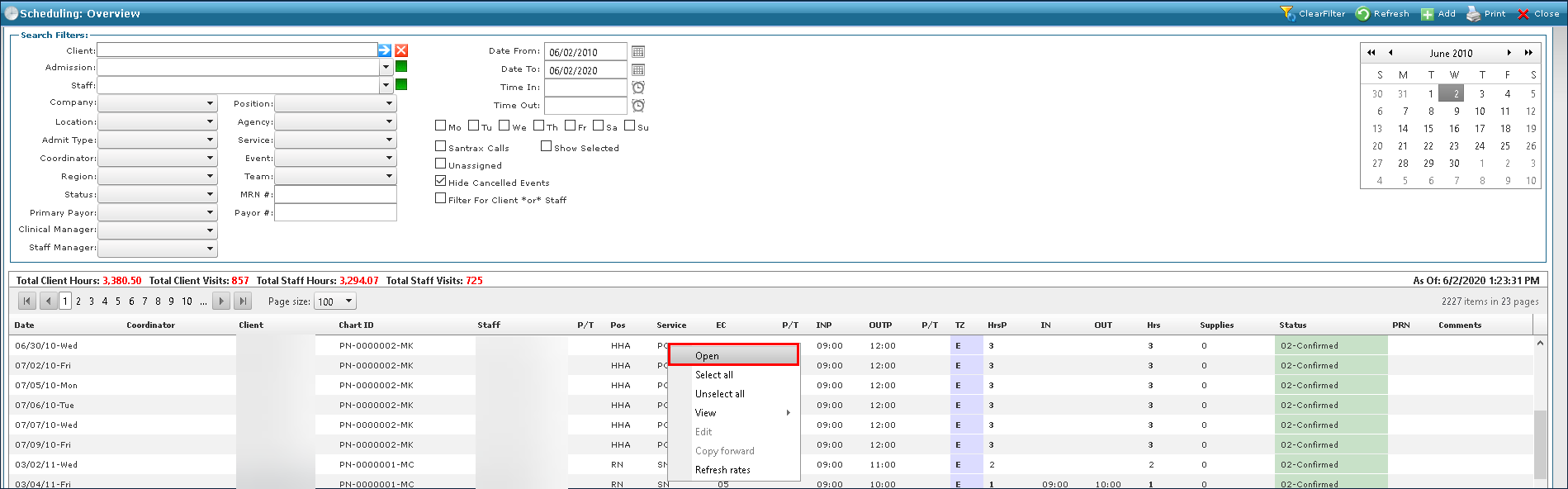
The Open button launches the Schedule Detail screen for an event. You can also double-click a schedule to launch the Schedule Detail screen.
To open a schedule:
-
Go to Main Menu > Scheduling.
-
Choose the search filters matching the criteria for the schedule.
-
Right click on the schedule and click Open.