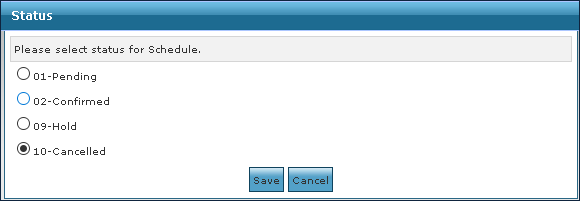
Edit Schedule
Certain elements of a schedule or schedules can be edited without the need to open the Schedule Detail screen.
To edit schedules using the right click option:
-
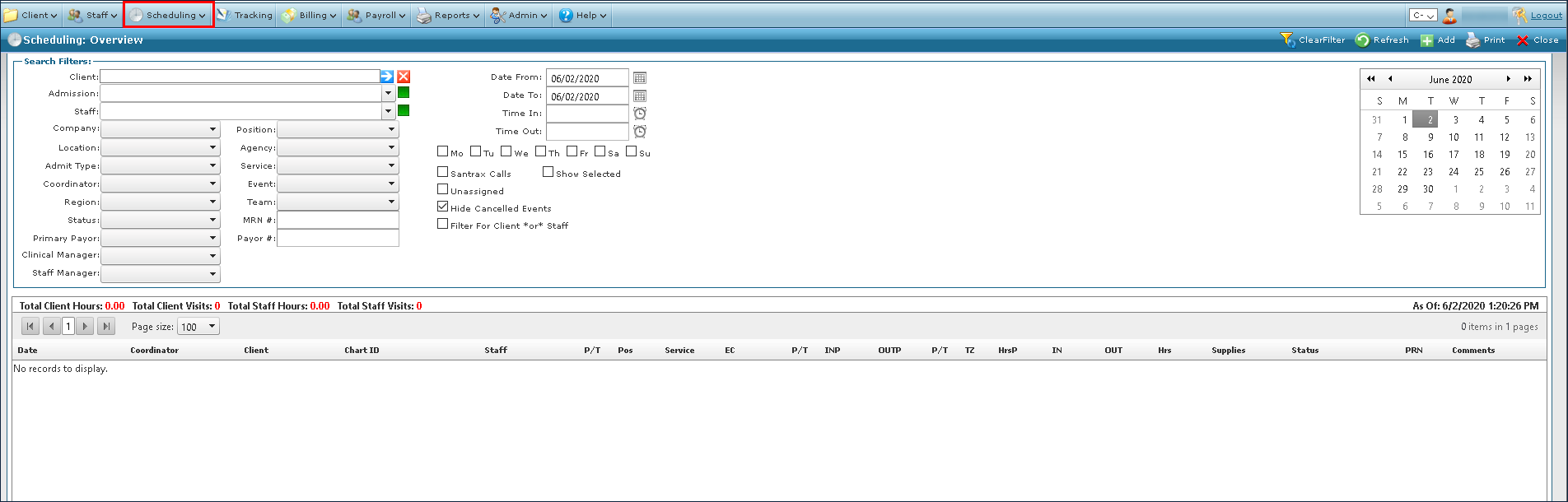
Go to Main Menu > Scheduling.
-
Choose the search filters matching the criteria for the schedule.

-
Select the desired schedules.

-
Right click on the schedules to be edited, click Edit and click on which field should be edited.
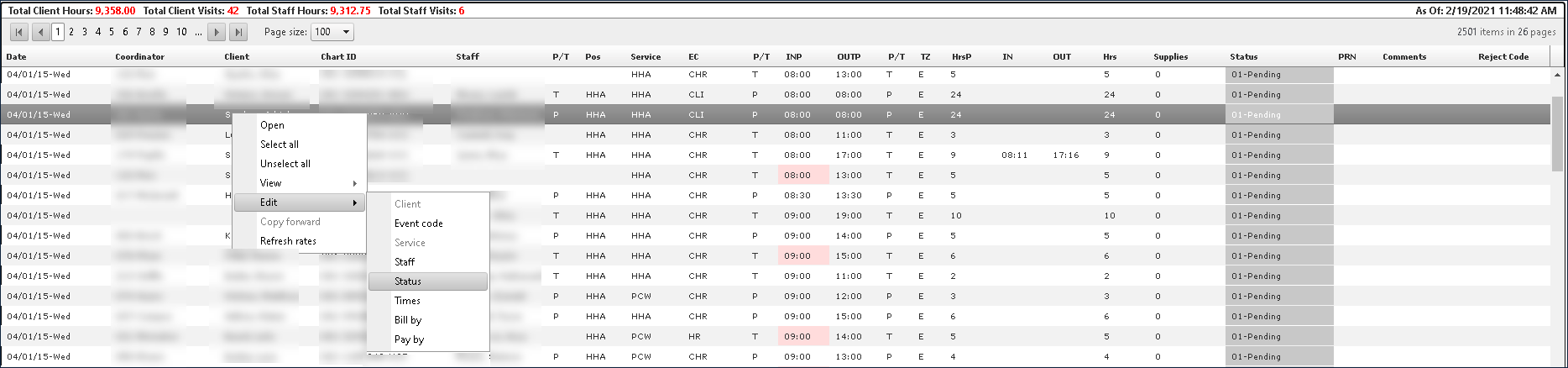
Standard rules apply when editing statuses or visits.
-
Enter the updated information.
-
Click Save.