Add a Staff Member to a New Schedule
To add a staff member to a new schedule:
-
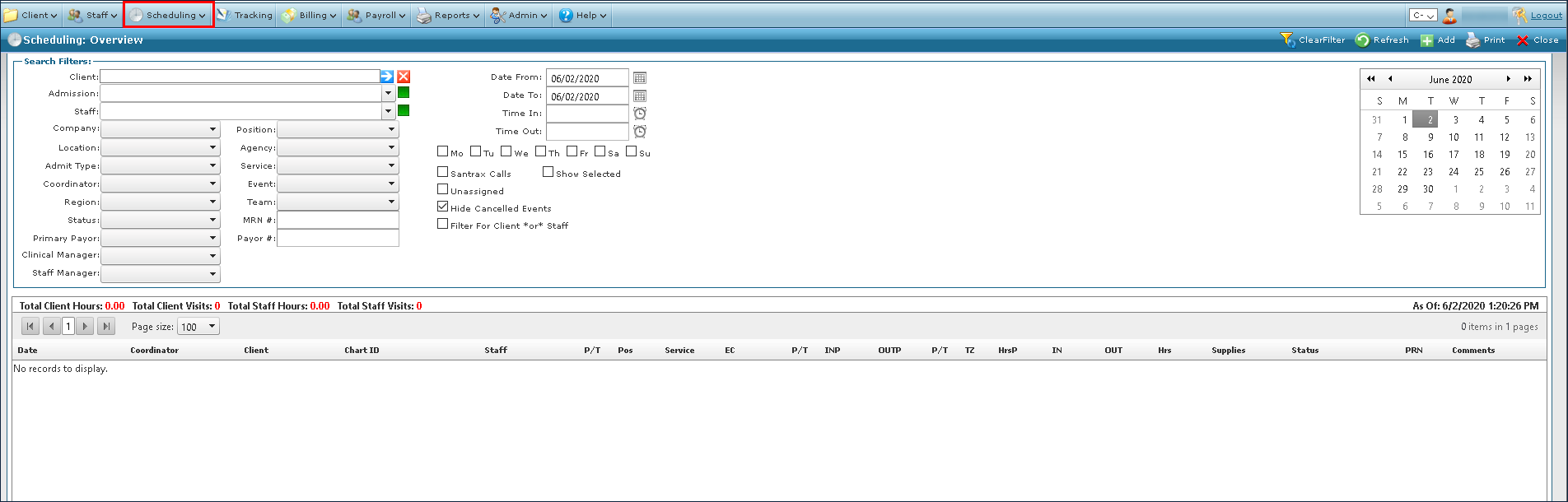
Go to Main Menu > Scheduling.
-
Click Add.

-
Click Add Staff Member.

-
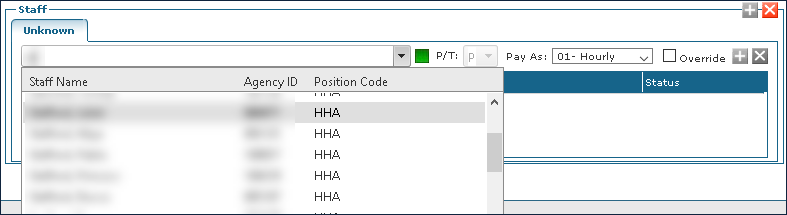
Use the filters to locate the staff member to be added.
-
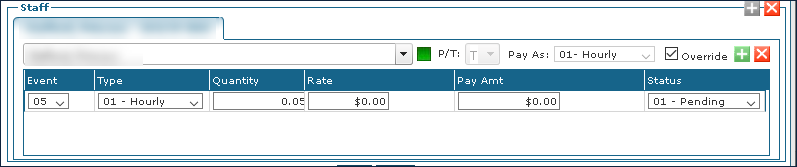
Select the Override checkbox if the staff member information does not auto populate and enter the appropriate information.
-
Enter the rest of the schedule information as needed.
-
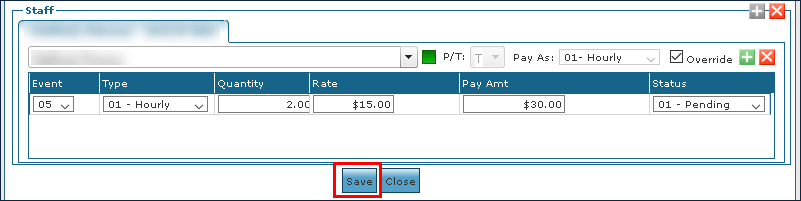
Click Save.