Inventory Items Window
The Inventory Items window contains the information related to an item in the inventory.
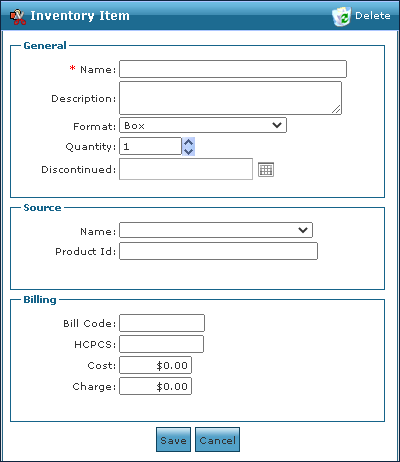

The General area of the Inventory Item window contains the basic information about the item.
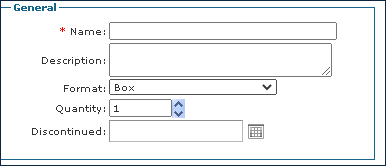
|
Field |
Description |
|---|---|
|
Name |
Use this field to enter the name of the item. |
|
Description |
Use this field to enter a description of the item. |
|
Format |
Use this dropdown to select the format of the item. |
|
Quantity |
Use this field to enter the quantity the item comes in. |
|
Discontinued |
Use this field to enter a discontinued date of the item if needed. |
The Source area of the Inventory Item window contains information about who provided the item and how it can be identified.
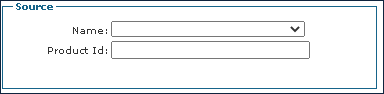
|
Field |
Description |
|---|---|
|
Name |
Use this drop down to select the name of the item provider. |
|
Product Id |
Use this field to enter the provider identification number. |
The Billing area of the Inventory Item window contains information about the billing costs and codes associated with the item.
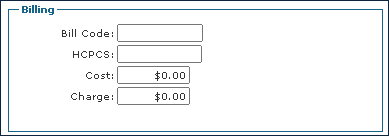
|
Field |
Description |
|---|---|
|
Bill Code |
Use this field to enter the item’s bill code. |
|
HCPCS |
Use this field to enter the item’s HCPCS code. |
|
Cost |
Use this field to enter the item’s cost. |
|
Charge |
Use this field to enter the billable amount for the item. |