Access the GPS Screen for a Visit
-
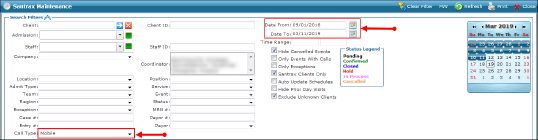
Enter the applicable search filters, with Call Type: Mobile.
-
Click Refresh.
-
Select a visit.
-
Right-click to display the context menu.
-
Click GPS Map.
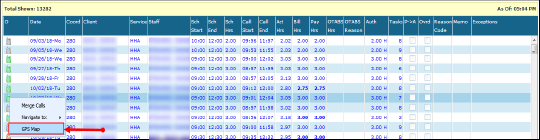
The GPS map for the visit displays with the location of the in-call, out-call and the client’s primary address.