Spread of Hours Detail Report (CSV)
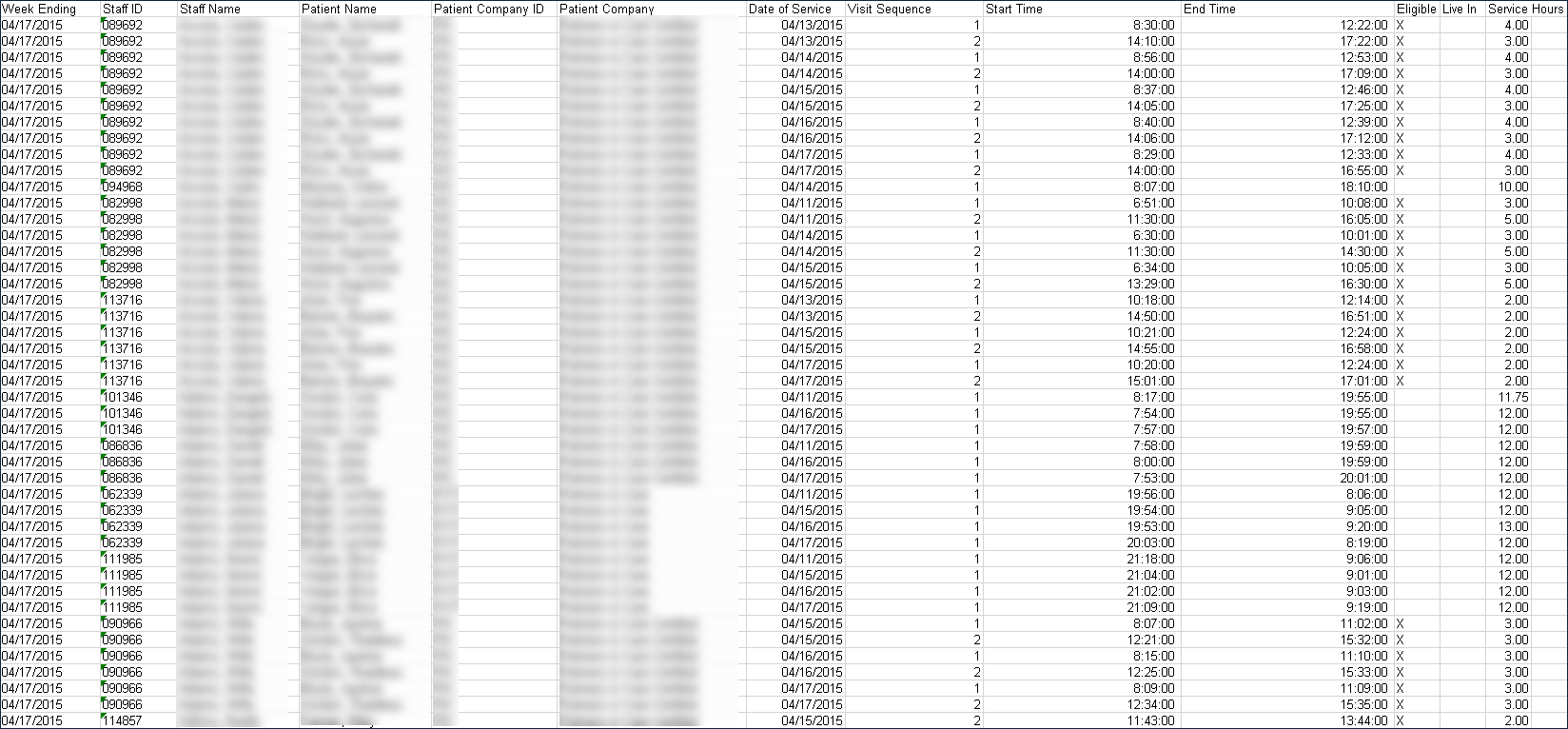
Description: This report displays a detailed view of the total hours spent by a staff member spread across all visits during a day.
Use: This report can be used by an agency to view a staff member’s activity across a week, including visit order, client information and visit start and end times.
Limitations: This report only displays activity for 7 days based on the date selected in the report filters.
This report can be filtered by:
|
Field |
Description |
|---|---|
|
Company |
The selected company. |
|
Location |
The primary address of the agency. |
|
Staff |
The selected staff member. |
|
Coordinator |
The date of the account statement. |
|
Positions |
The selected positions. |
|
Multiple Staff Status |
The selected staff statuses for staff members. |
|
Date |
The selected ending date for the week. |
Each column of the report displays:
|
Field |
Description |
|---|---|
|
Week Ending |
The ending date of the week. |
|
Staff ID |
The staff member’s ID number. |
|
Staff Name |
The staff member’s name. |
|
Patient Name |
The client’s name. |
|
Patient Company ID |
The client’s payer ID number. |
|
Patient Company |
The client’s payer name. |
|
Date of Service |
The date of the service was performed. |
|
Visit Sequence |
The visit’s position in the staff member’s schedule. |
|
Start Time |
The start time of the visit. |
|
End Time |
The end time of the visit. |
|
Eligible |
The client’s payer eligibility at the time of service. |
|
Live In |
The staff member’s live in status. |
|
Service Hours |
The amount of time spent performing the visit. |