Aged Receivables Overview Report
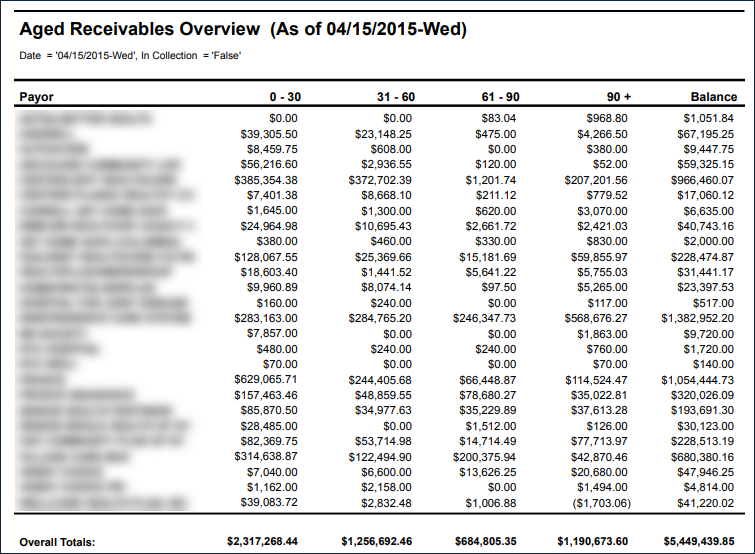
Description: This report displays a list of clients and aged invoices sorted by payer.
Use: An Aged Receivable Report shows the unpaid invoice balances along with the duration for which they are outstanding. This report helps identify invoices that are open and need payment.
Limitations: N/A
This report can be filtered by:
|
Field |
Description |
|---|---|
|
Company |
The selected company. |
|
Location |
The selected location. |
|
Admit Type |
The code for the client's admission. |
|
Team |
The selected team. |
|
Payor |
The selected payor. |
|
Date |
The selected date. |
Each column of the report displays:
|
Field |
Description |
|---|---|
|
Payor |
The name of the payer. |
|
0 – 30 |
The balance of invoices after 0-30 days. |
|
31 – 60 |
The balance of invoices after 31-60 days. |
|
61 – 90 |
The balance of invoices after 61-90 days. |
|
90+ |
The balance of invoices after 90+ days. |
|
Balance |
The total invoice balance. |