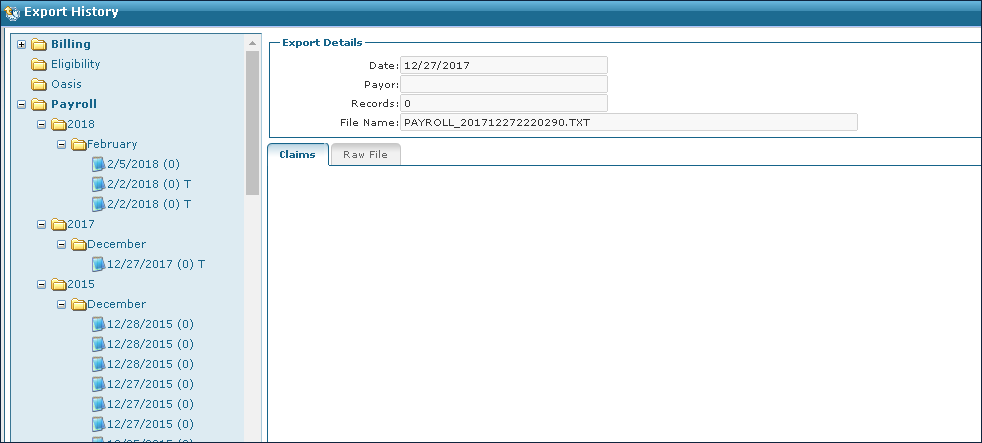
Export Payroll
To export staff member payroll:
-
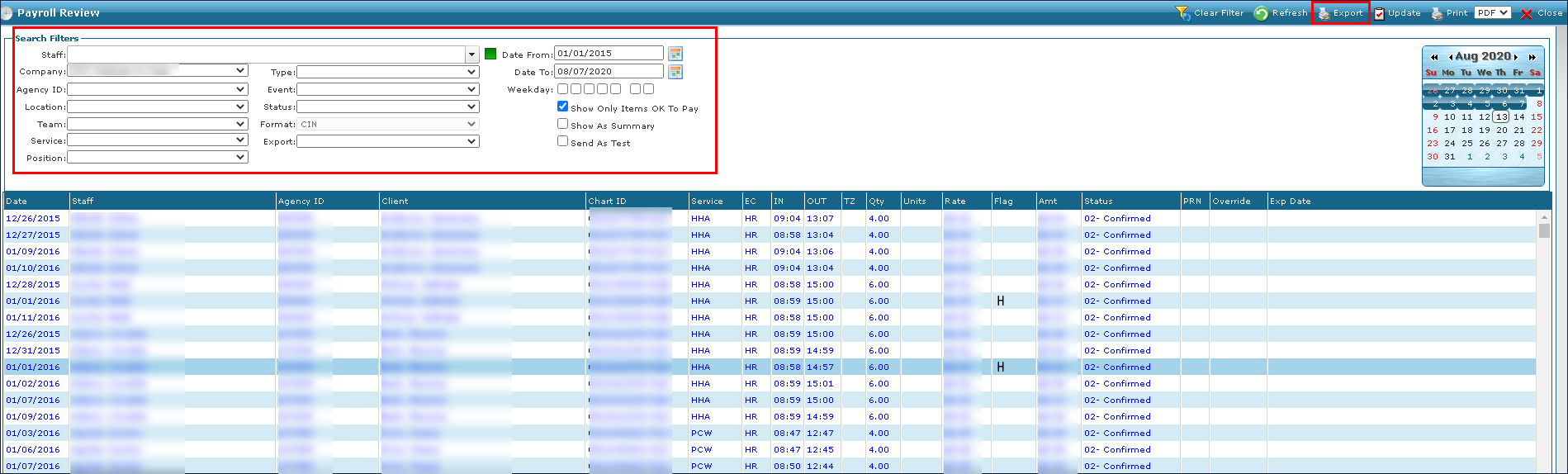
Go to Main Menu > Payroll > Payroll Review.
-
Use the search filters to locate the item needing a status change. The Send As Test checkbox must be deselected and the Show Only Items OK To Pay checkbox must be selected.
-
Click Export.
-
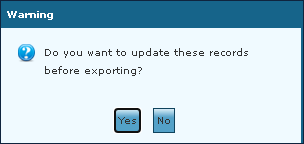
Click Yes if records need updating, otherwise click No.
-
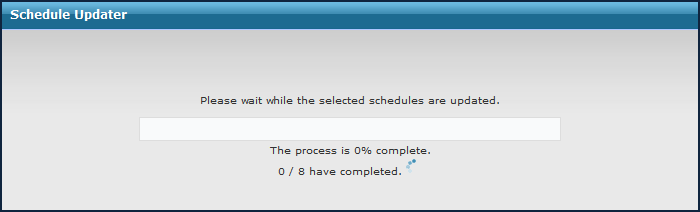
Wait while the progress bar loads.
-
Click OK.
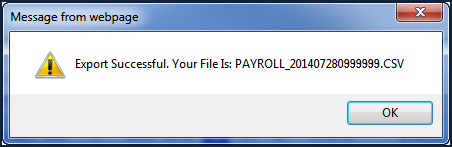
The export file is ready for use. To review the export, go to Main Menu > Billing > History and locate it in the Payroll folder.