Sandata Agency Management 05-Manage System Physicians

To add a new physician to the system:
-
Go to Main Menu > Client > Physicians.
-
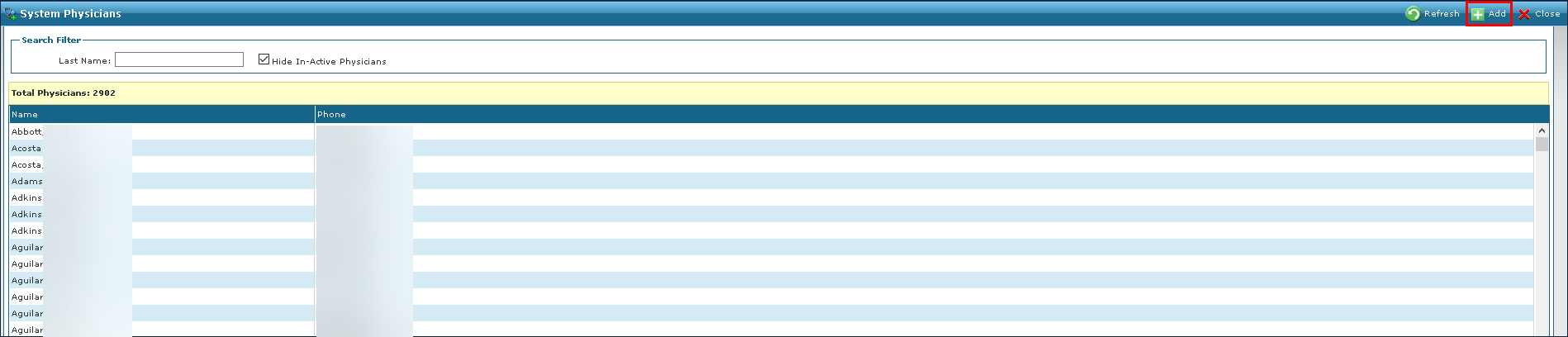
Click Add.
-
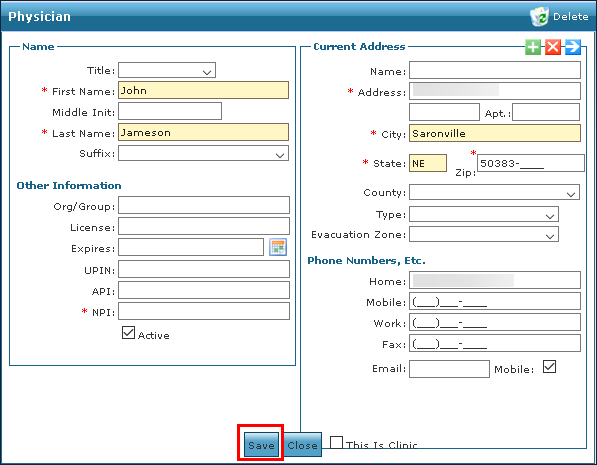
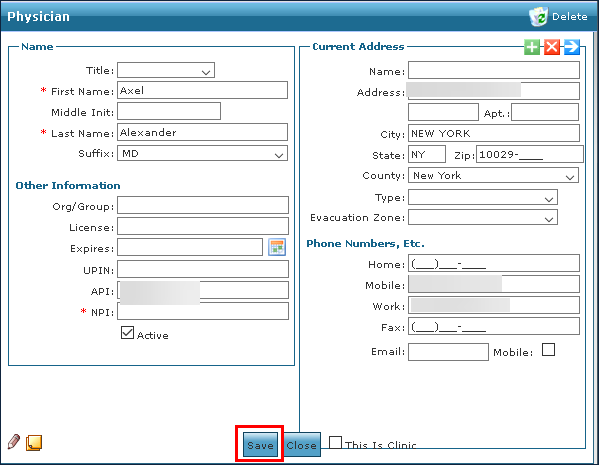
Enter the physician’s information.
-
Click Save.
To locate a physician:
-
Go to Main Menu > Client > Physicians.
-
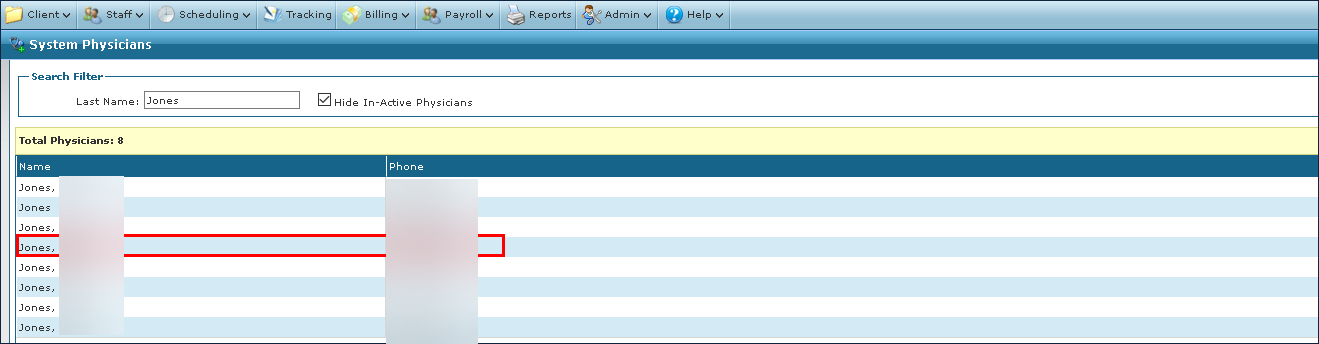
Locate the physician using the search filters.
-
Double-click on the physician’s name.
To edit a physician’s information in the system:
-
Go to Main Menu > Client > Physicians.
-
Locate the physician using the search filters.
-
Double-click on the physician’s name.
-
Make any changes to the physician’s information.
-
Click Save.
To remove a physician from the system:
-
Go to Main Menu > Client > Physicians.
-
Locate the physician using the search filters.
-
Double-click on the physician’s name.
-
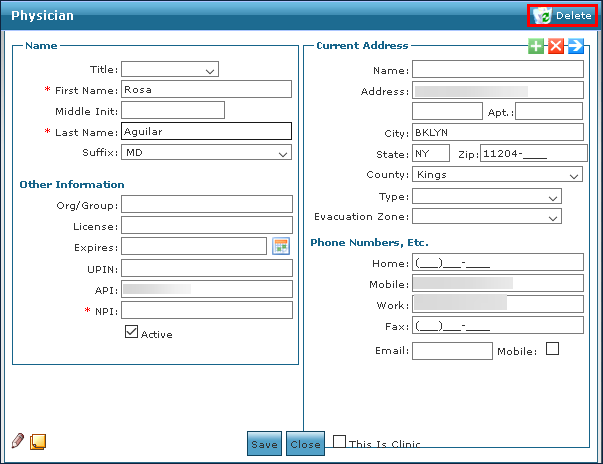
Click Delete.
-
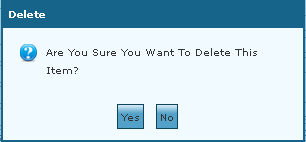
Click Yes.