Sandata Agency Management 04-Medications Screen
The Medications Screen contains a list of all medications that have been added into the system previously for quick selection and can be added to client profiles as well as descriptions to maintain consistency in their usage.
To access the Medications screen, go to Main Menu > Client > Medications.
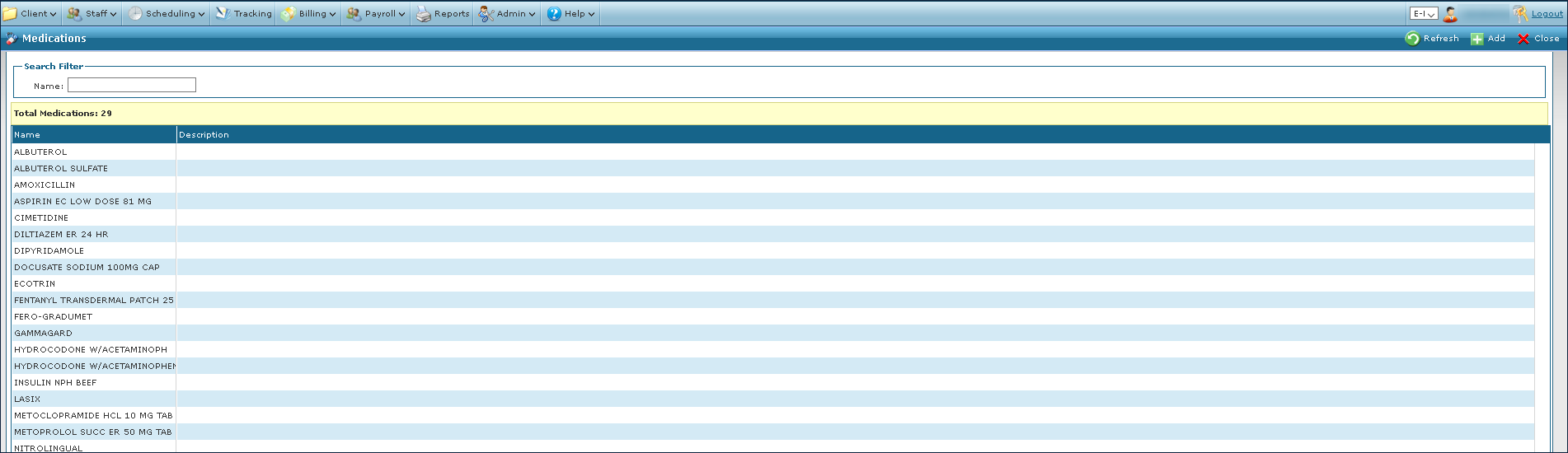
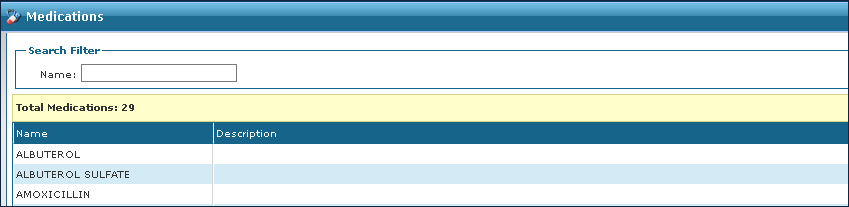
The Search Filter allows users to search for a medication.
|
Field |
Description |
|---|---|
|
Name |
Use this field to filter medications by name. If a partial is used, results will display the closest match, or containing the partial. |
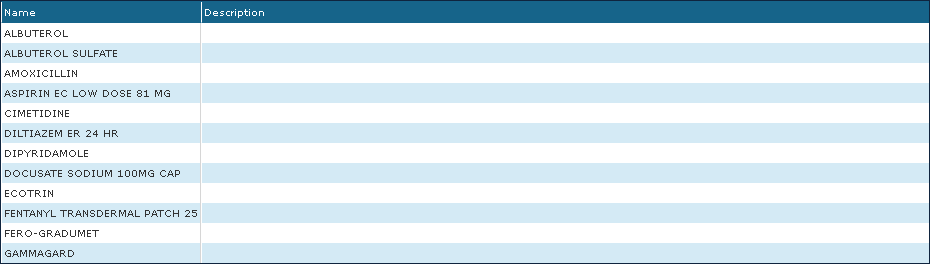
The Results List displays all results matching the terms used in the search filter.
|
Field |
Description |
|---|---|
|
Name |
Displays the name of the medication. |
|
Description |
Displays the notes associated with the medication. |
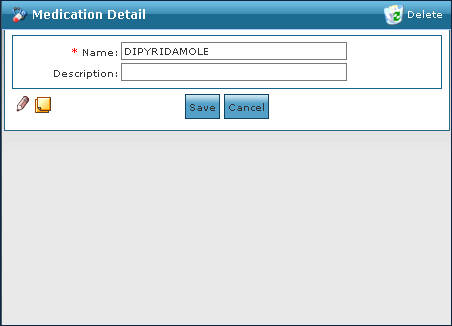
The Medication Detail Window contains all notes related to the medication that have been added to the system. Medications can have their descriptions edited and the Task Notes and Historian buttons are used to view past changes.
|
Field |
Description |
|---|---|
|
Name |
Use this field to enter the name of the medication. |
|
Description |
Use this field to enter the description of the medication. |