Sandata Agency Management 04-Manage Medications

To add a medication to the list:
-
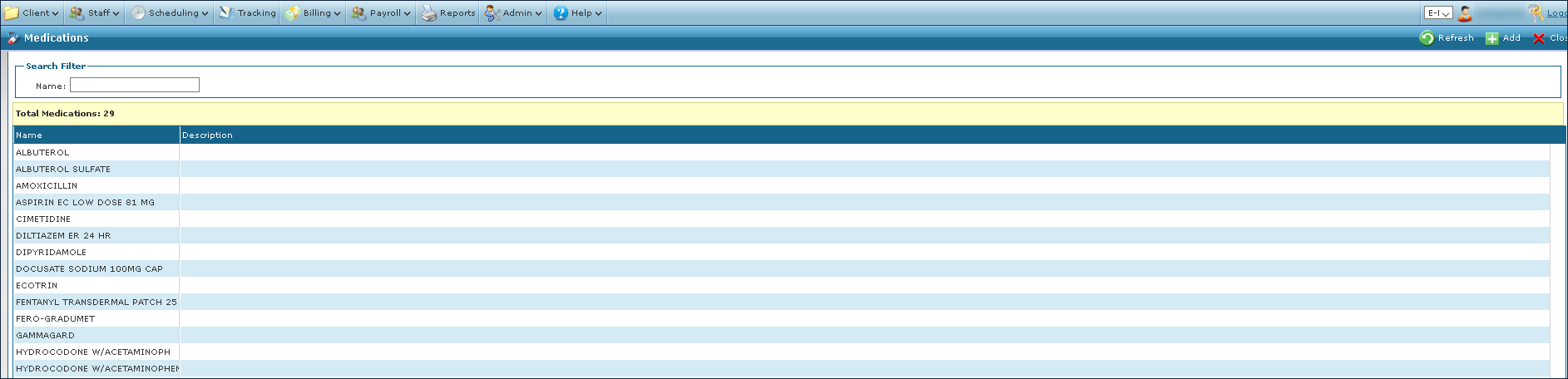
Go to Main Menu > Client > Medications.
-
Click Add.
-
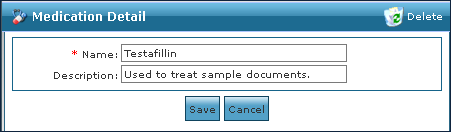
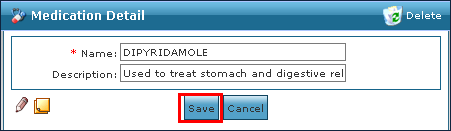
Enter the medication information.
-
Click Save.
To view the full description of a medication:
-
Go to Main Menu > Client > Medications.
-
Locate the medication using the search filter.

-
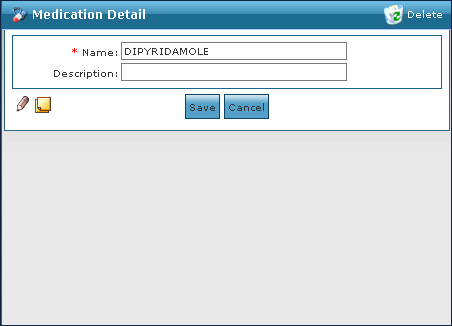
Double-click the medication name.
To edit the details of a medication:
-
Go to Main Menu > Client > Medications.
-
Locate the medication using the search filter.
-
Double-click the medication name.
-
Make any changes to the medication name or description.
-
Click Save.
To delete a medication from the list:
-
Go to Main Menu > Client > Medications.
-
Locate the medication using the search filter.

-
Double-click the medication name.
-
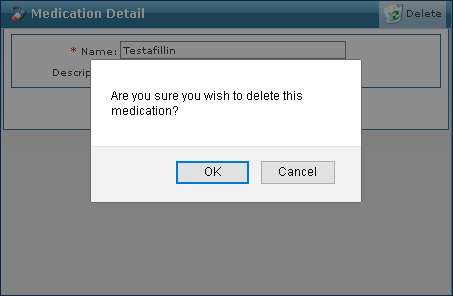
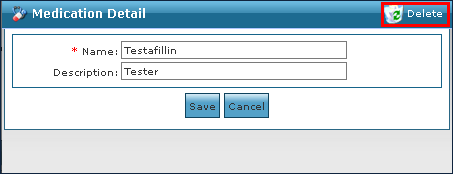
Click Delete.
-
Click OK.