Sandata Agency Management 29-Zip Codes Window
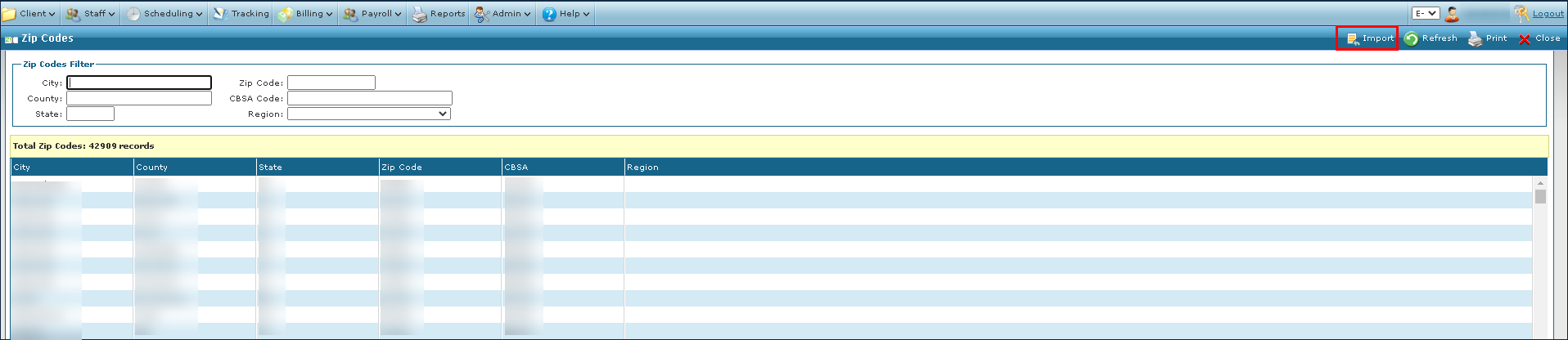
The Zip Codes window in the Lookup section of the Admin settings can be used to look up a Client or Staff Member’s zip code screen to quickly reference additional information including the city, county, state, Core Based Statistical Area (CBSA) code and region.
To access the Zip Codes window, select Zip Codes under Main Menu > Admin >Lookup > Zip Codes.
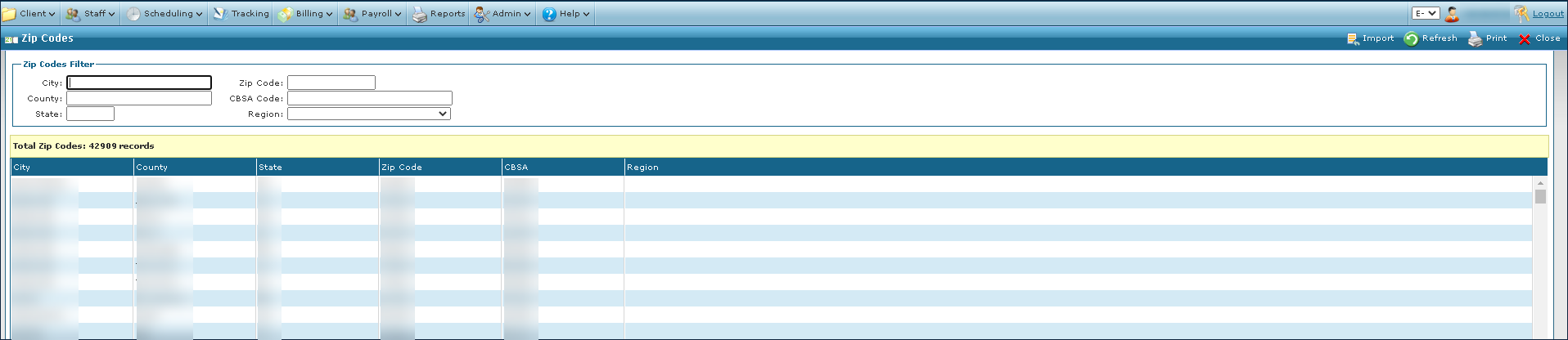

The search filters can be used to locate an area by a variety of terms. If no search terms are used, all results are displayed.

|
Field |
Description |
|---|---|
|
City |
Use this field to search by city. A partial entry returns all items matching items. |
|
Zip Code |
Use this field to search by zip code. A partial entry returns all items matching items. |
|
County |
Use this field to search by county. A partial entry returns all items matching items. |
|
CBSA Code |
Use this field to search by CBSA code. A partial entry returns all items matching items. |
|
State |
Use this field to search by state. A partial entry returns all items matching items. |
|
Region |
Use this field to search by region. A partial entry returns all items matching items. |
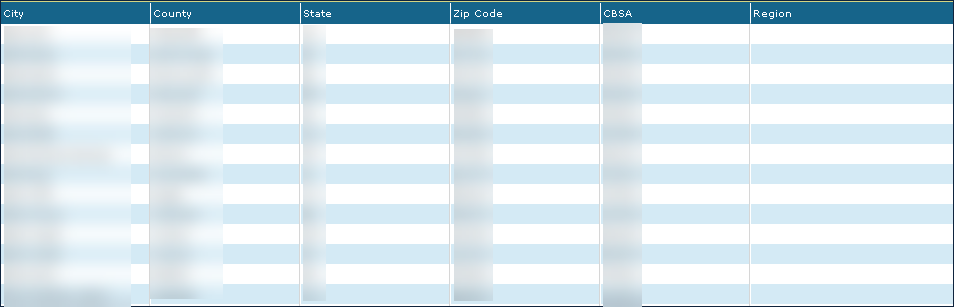
The search results display all items matching the terms used in the search filters.
|
Field |
Description |
|---|---|
|
City |
Displays the city. |
|
County |
Displays the county. |
|
State |
Displays the state. |
|
Zip Code |
Displays the zip code. |
|
CBSA |
Displays the CBSA code. |
|
Region |
Displays the region. |
The search results display all items matching the terms used in the search filters.
|
Field |
Description |
|---|---|
|
City |
Displays the city. |
|
County |
Displays the county. |
|
State |
Displays the state. |
|
Zip Code |
Displays the zip code. |
|
CBSA |
Displays the CBSA code. |
|
Region |
Displays the region. |
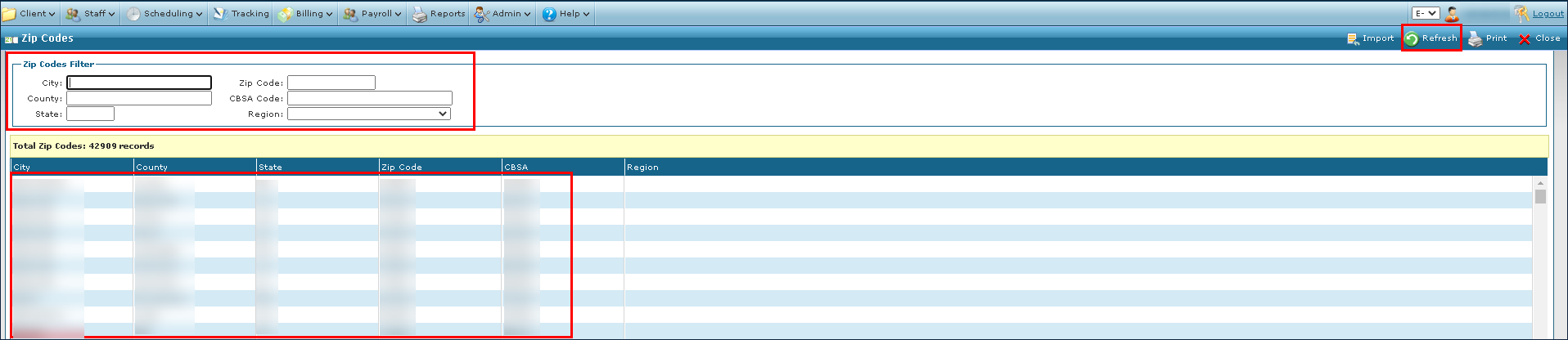
To find location information:
-
Go to the Zip Codes window under Main Menu > Admin > Lookup > Zip Codes.
-
Enter the terms in the search filters.
-
Select Refresh.
To import location information into the system:
-
Go to the Zip Codes window under Main Menu > Admin > Lookup > Zip Codes.
-
Select Import.
-
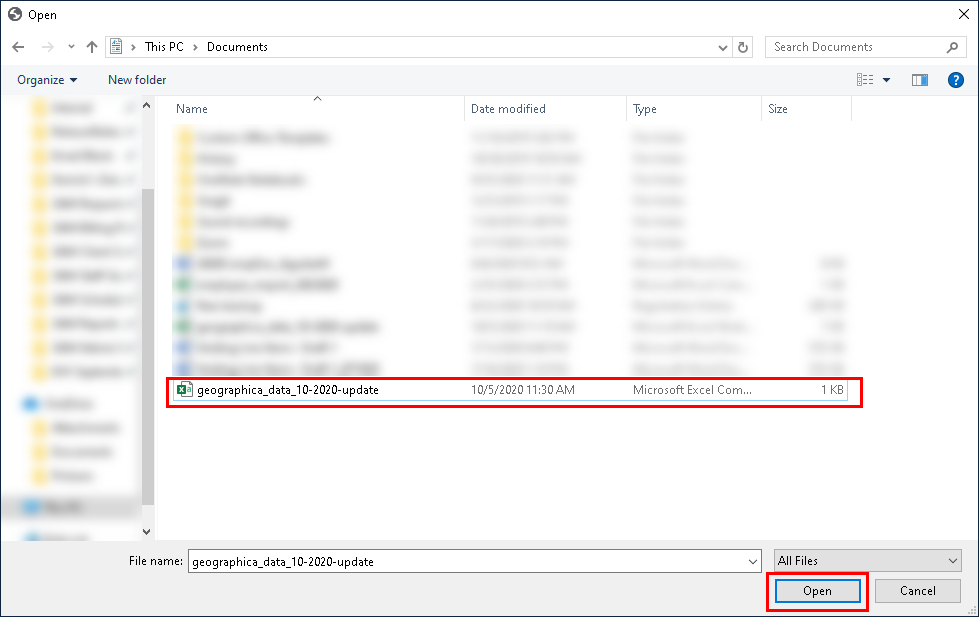
Locate the file to be imported.
-
Select Open. The new data is imported to the system.