Sandata Agency Management 14-Services Window
The Services window is used to add, review, and manage all services that can be performed by Staff Members with the agency.
To access the Services window, select Services under Main Menu > Admin > System Setup.


The search filters can be used to locate services matching the terms used. If no search terms are used, all results are displayed.

|
Field |
Description |
|---|---|
|
Name |
Use this field to filter the services by name. |
|
Hide In-Active Services |
Select this checkbox to hide inactive services from the results list. |
The results list displays all items matching the terms used in the search filters. If no search filters are used, all results are displayed.
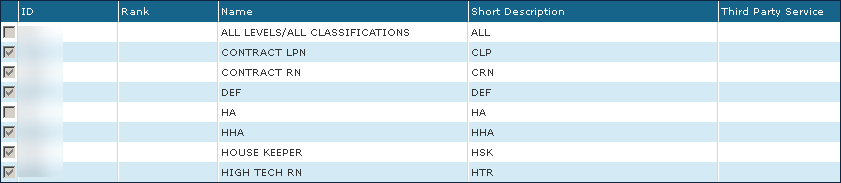
|
Field |
Description |
|---|---|
|
Checkbox |
Displays if the service is active. |
|
ID |
Displays the service identification code. |
|
Rank |
Displays the service rank. |
|
Name |
Displays the service name. |
|
External Description |
Displays a short description of the service. This displays on the Client search screen. |
|
Third Party Service |
Displays any Third-Party service such as reporting and/or exported. |
To add a new service:
-
Go to the Services window under Main Menu > Admin > System Setup.
-
Select Add .

-
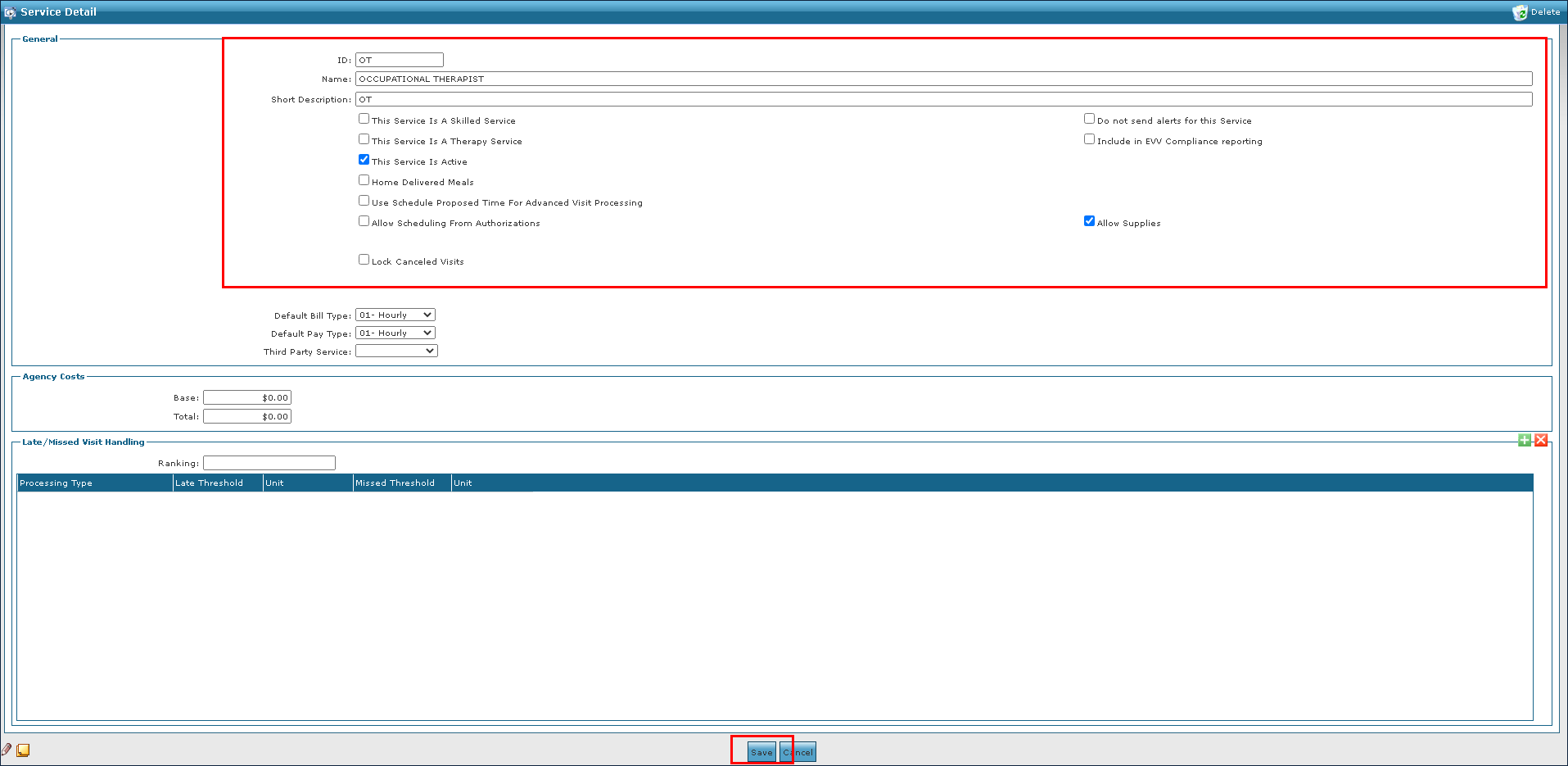
Enter the service information in the fields.
-
Select the appropriate setting checkboxes.
-
Then, select the Save button.
To update or make changes to an existing service:
-
Go to the Services window under Main Menu > Admin > System Setup.

-
Double click on the service that needs an update.
-
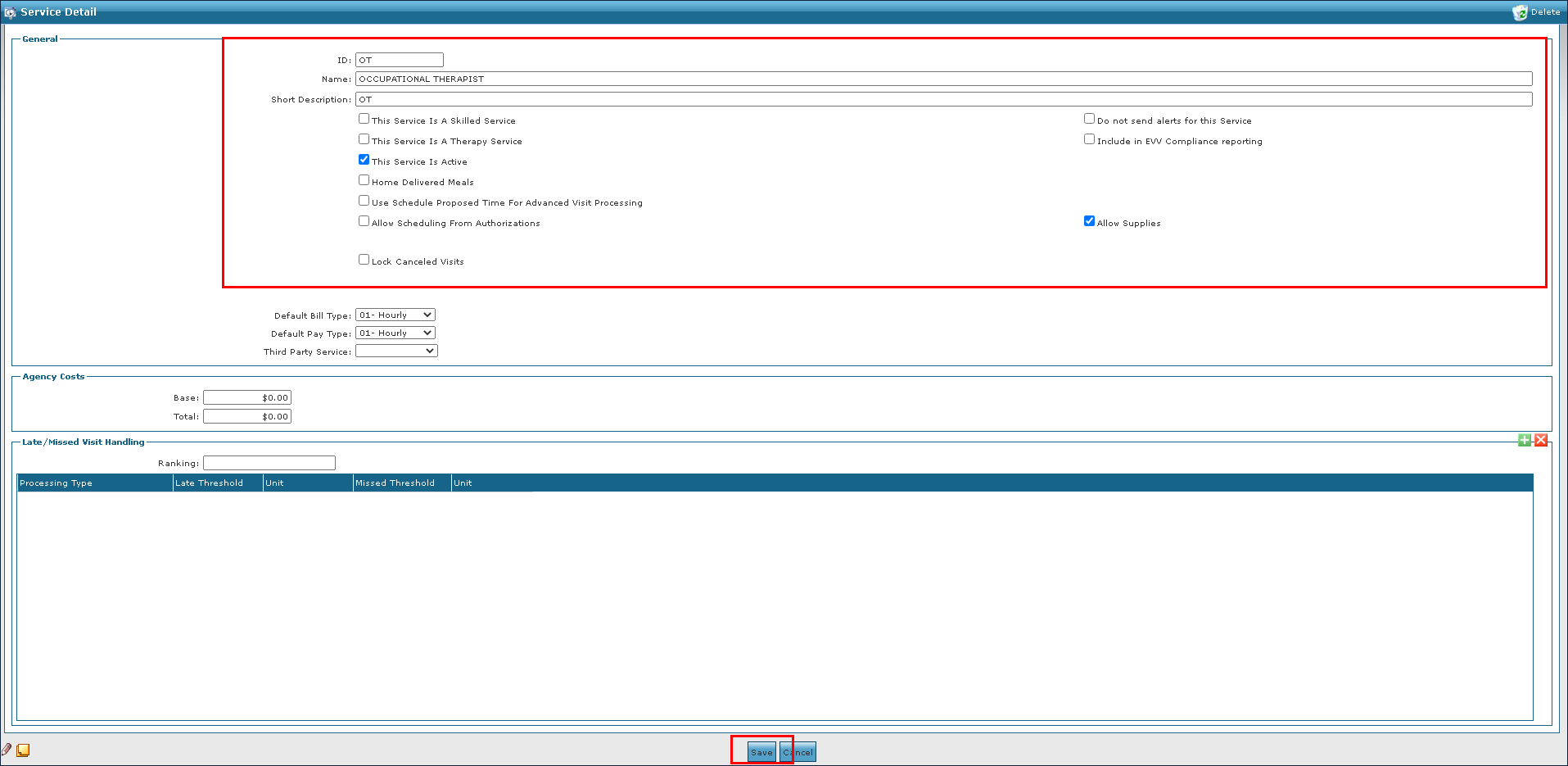
Make any changes to the service as needed.
-
Select the Save button.
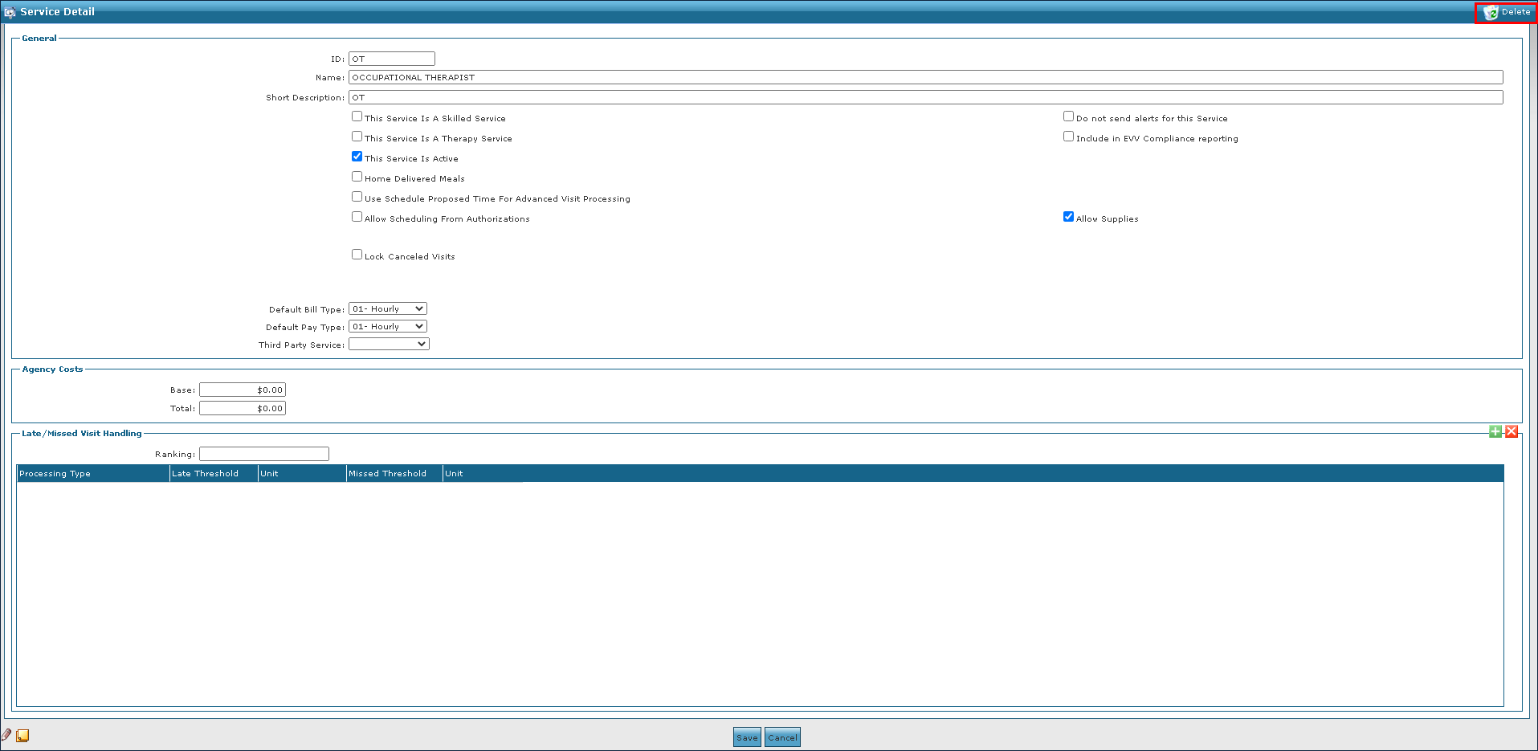
To remove an invalid or out of date service:
A service can be marked as inactive rather than being deleted by deselecting the This Service is Active in the service’s Service Detail window.
-
Go to the Services window under Main Menu > Admin > System Setup.

-
Double click on the service that needs deletion.
-
Select Delete.
-
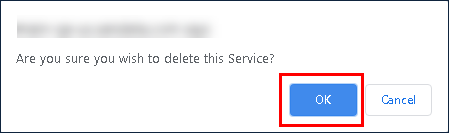
Select the Ok button.