Sandata Agency Management 12 Security Groups Window

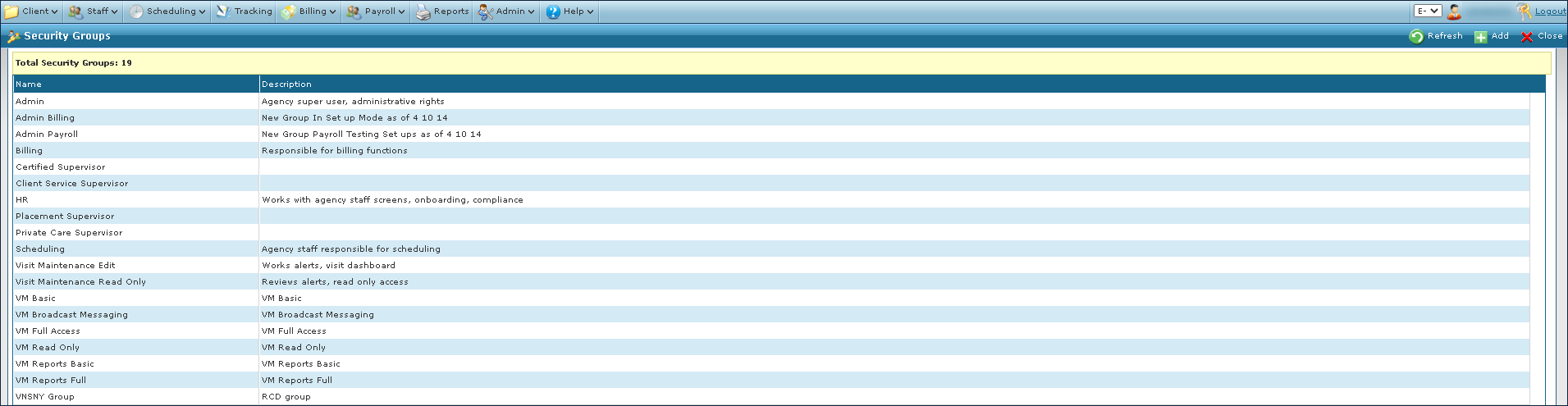
The Security Groups window displays all groups that have been created to assign various responsibilities or permissions to Staff Members.
To access the Security Groups window, select Security Groups under Main Menu > Admin > System Setup > Security Groups.
|
Field |
Description |
|---|---|
|
Name |
Displays the name of the security group. |
|
Description |
Displays the description of the security group. |
To add a new security group:
-
Go to the Security Groups window under Main Menu > Admin > System Setup > Security Groups.
-
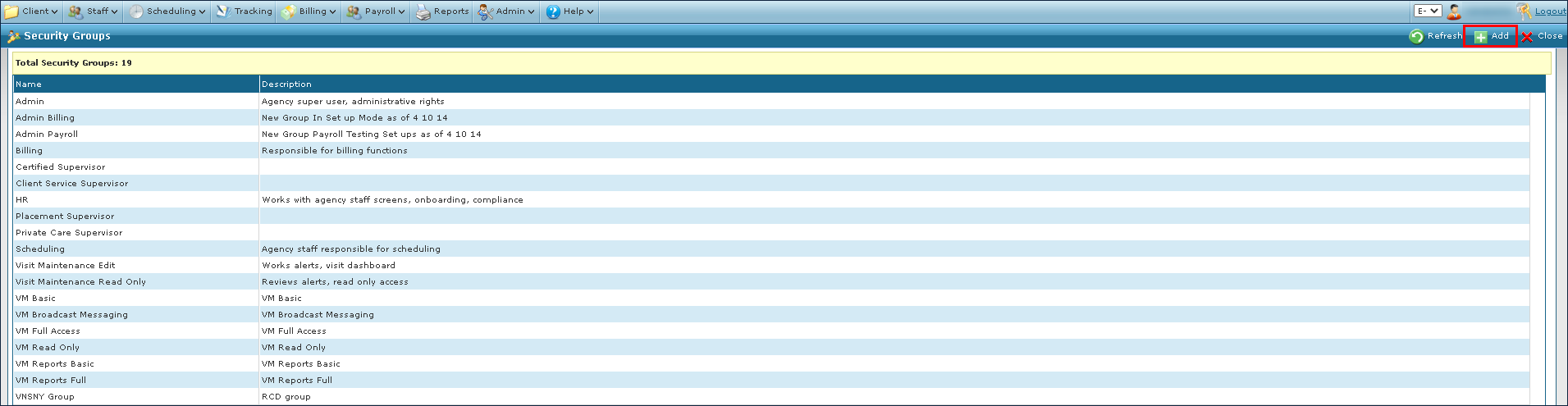
Select Add.
-
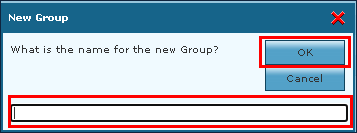
Enter the name of the group.
-
Select the Okbutton.
-
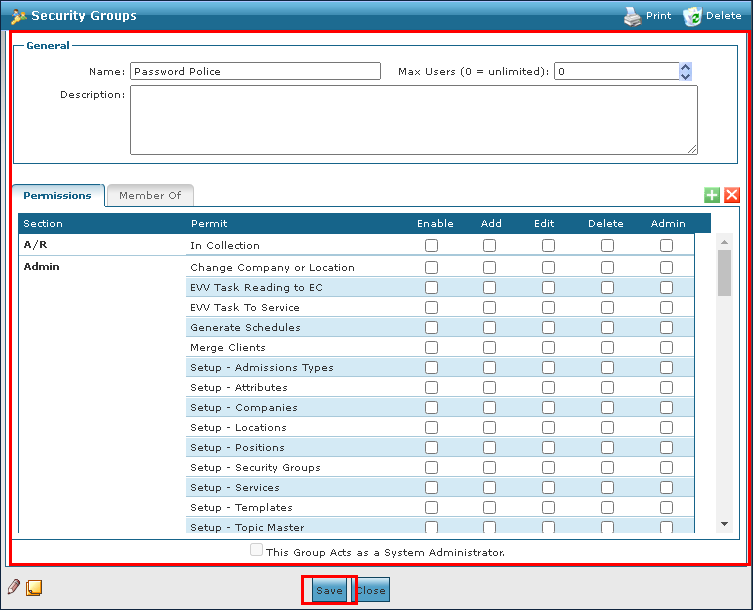
Complete the fields to enter Security Group information.
-
Select the Save button.
To remove an invalid or out of date group:
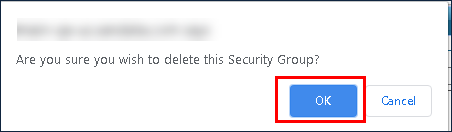
A security group cannot be deleted if it has been attached to any data element. Attempting to remove an in-use security group displays a warning message.
-
Go to the Security Group window under Main Menu > Admin > System Setup > Security Groups.
-
Double click the selected security group.

-
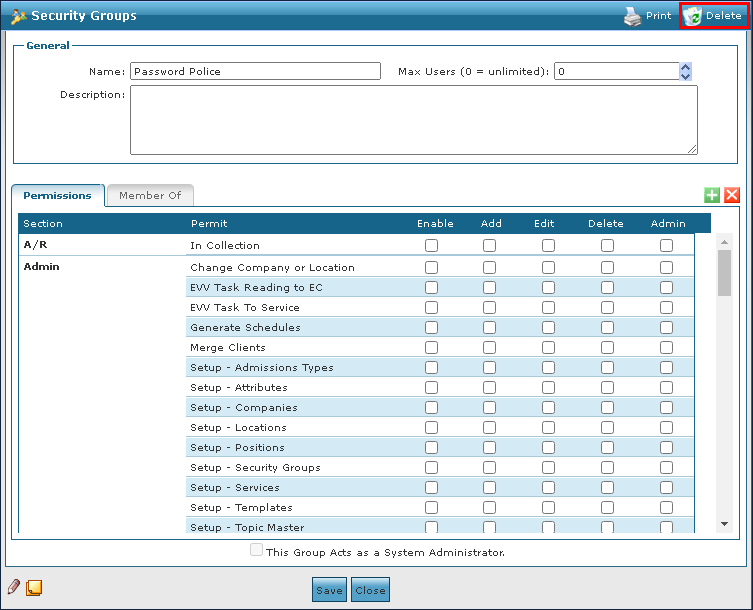
Select Delete.
-
Select the Ok button.