Sandata Agency Management 01-Companies Window

The Companies window can be used to view and manage all companies associated with the agency.
Companies are limited to one per tax ID.
To access the Companies window, select Companies under Main Menu> Admin> System Setup > Companies.

The search filters are used to locate a company.

|
Field |
Description |
|---|---|
|
Name |
Use this field to filter by company name. |
|
Hide In-Active Companies |
Select this checkbox to hide inactive companies from the results. |
The results list displays all results matching the search criteria used in the search filters.

|
Field |
Description |
|---|---|
|
ID |
Displays the company identification abbreviation. |
|
Name |
Displays the company name. |
|
Active? |
Displays if the company is currently active. |
To add a new company:
-
Go to the Companies window under Main Menu > Admin > System Setup > Companies.
-
Select Add to add a new company.

-
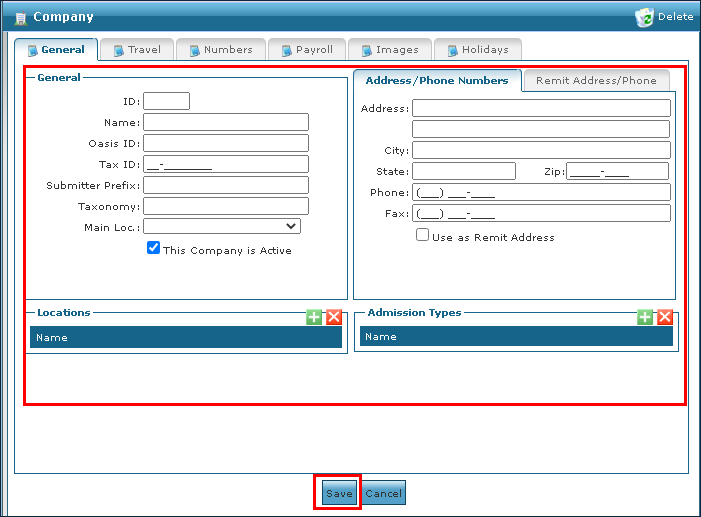
Use the fields to enter all the required company information across all tabs.
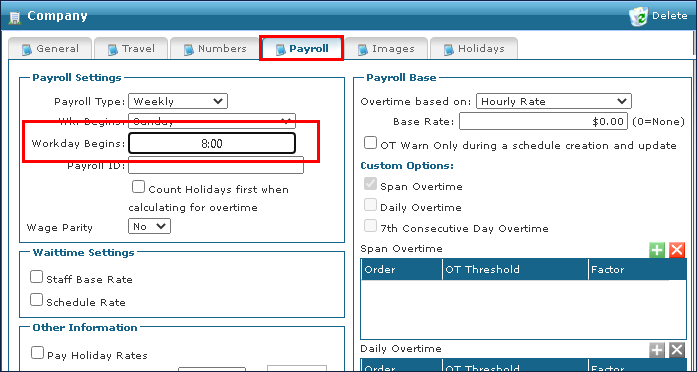
A time must be entered in the Workday Begins field on the Payroll tab in order to complete the process.
-
Select the Save button.
A company cannot be deleted if it has been attached to any data element. Attempting to remove an in-use company displays a warning message. The Zip code should have the full 9 digits
To remove a company that is out of date or inactive:
-
Go to the Companies window under Main Menu > Admin > System Setup > Companies.
-
Double click the company to be opened.

-
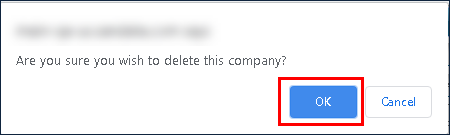
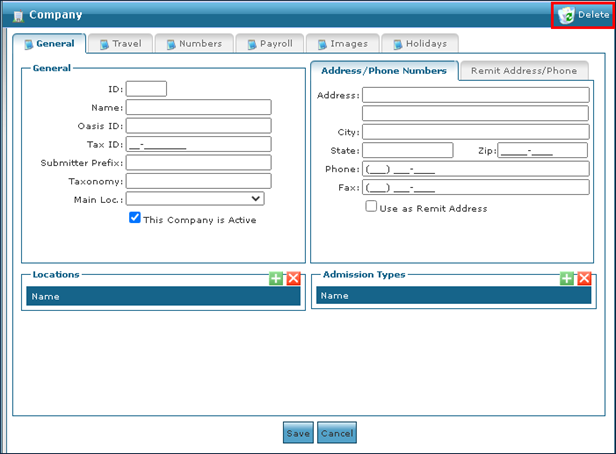
Select Delete.
-
Select the Ok button.