Manage System Setup for a Group

To associate a security group with an existing groups:
-
Go to the Security Group window under Main Menu > Admin > System Setup > Security Groups.
-
Double click on the selected Security Group.

-
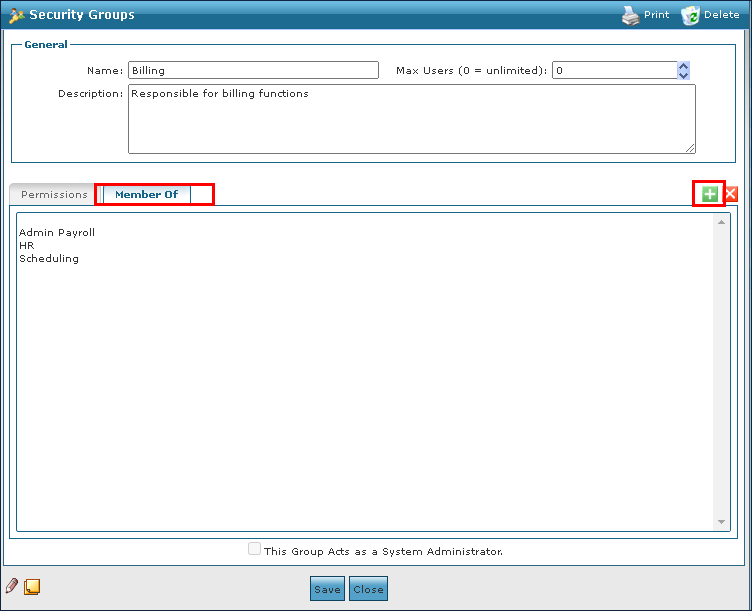
Select the Member Of tab.
-
Select the icon for Add New Group.
-
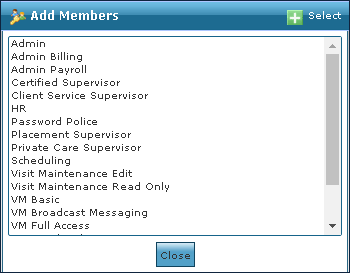
Select the new group.
-
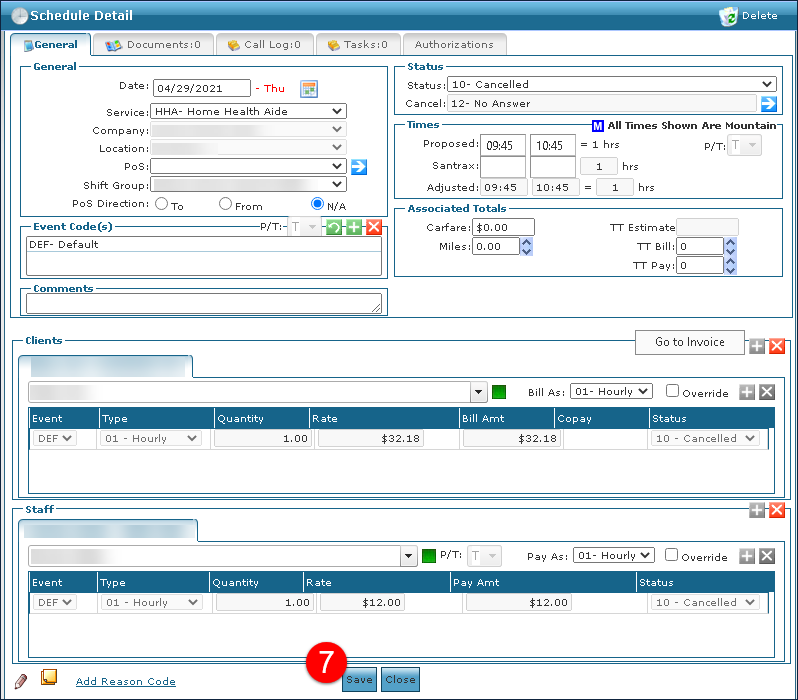
Select the Save button.
To deassociate a security group from an existing group:
-
Go to the Security Group window under Main Menu > Admin > System Setup > Security Groups.
-
Double click the selected Security Group.

-
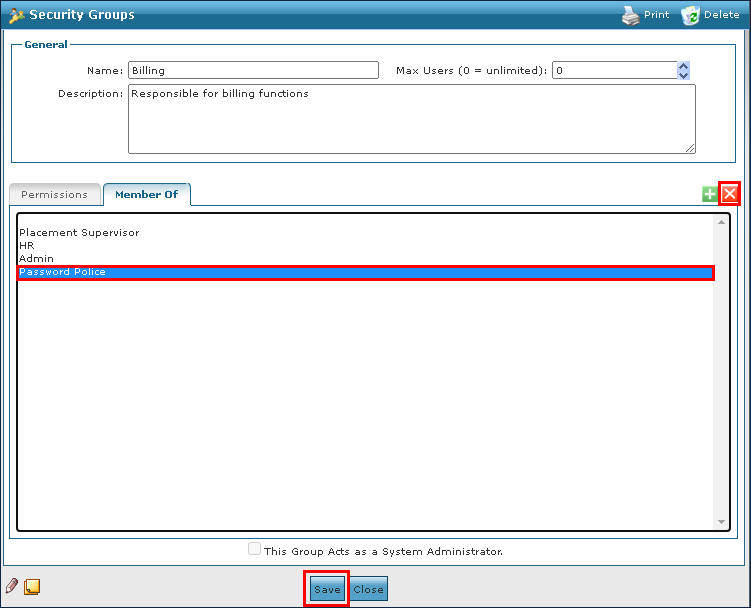
Select the Member Of tab.
-
Select the group to be removed.
-
Select Delete Group.
-
Select the Save button.