Manage System Setup for an Admission Type

To add a new document to an Admission Type:
-
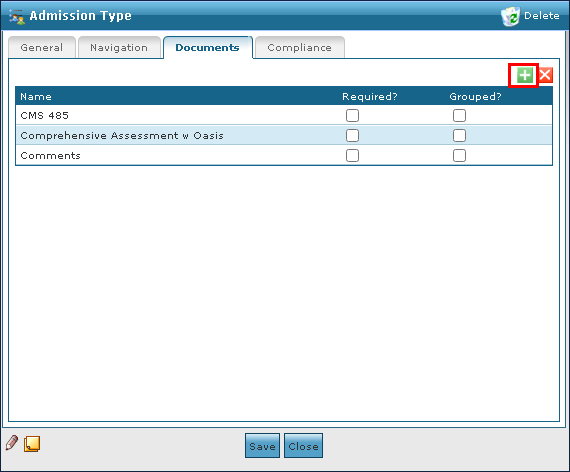
Go to the Documents tab on the Admission Type window under Main Menu > Admin > System Setup > Admission Type > Documents.
-
Select Add New Document.
-
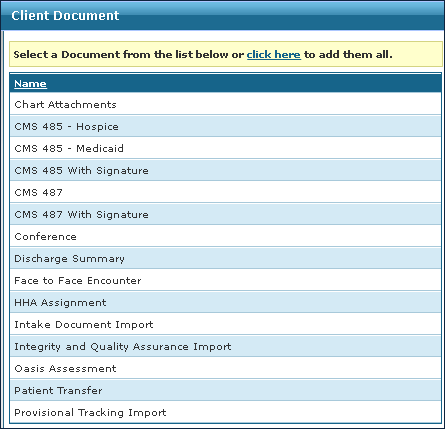
Double click the document to be added from the list.
-
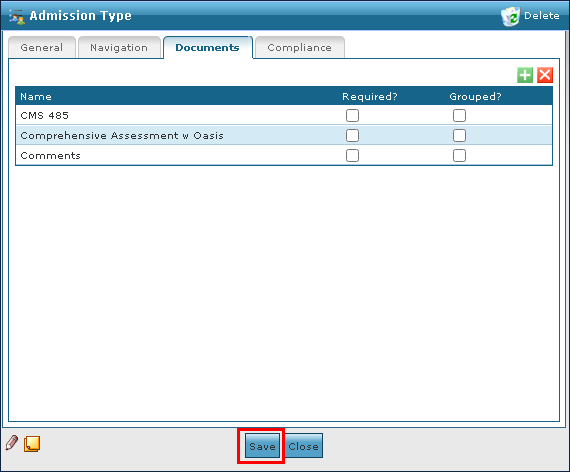
Select Save.
To remove an invalid or out of date document from an Admission Type:
-
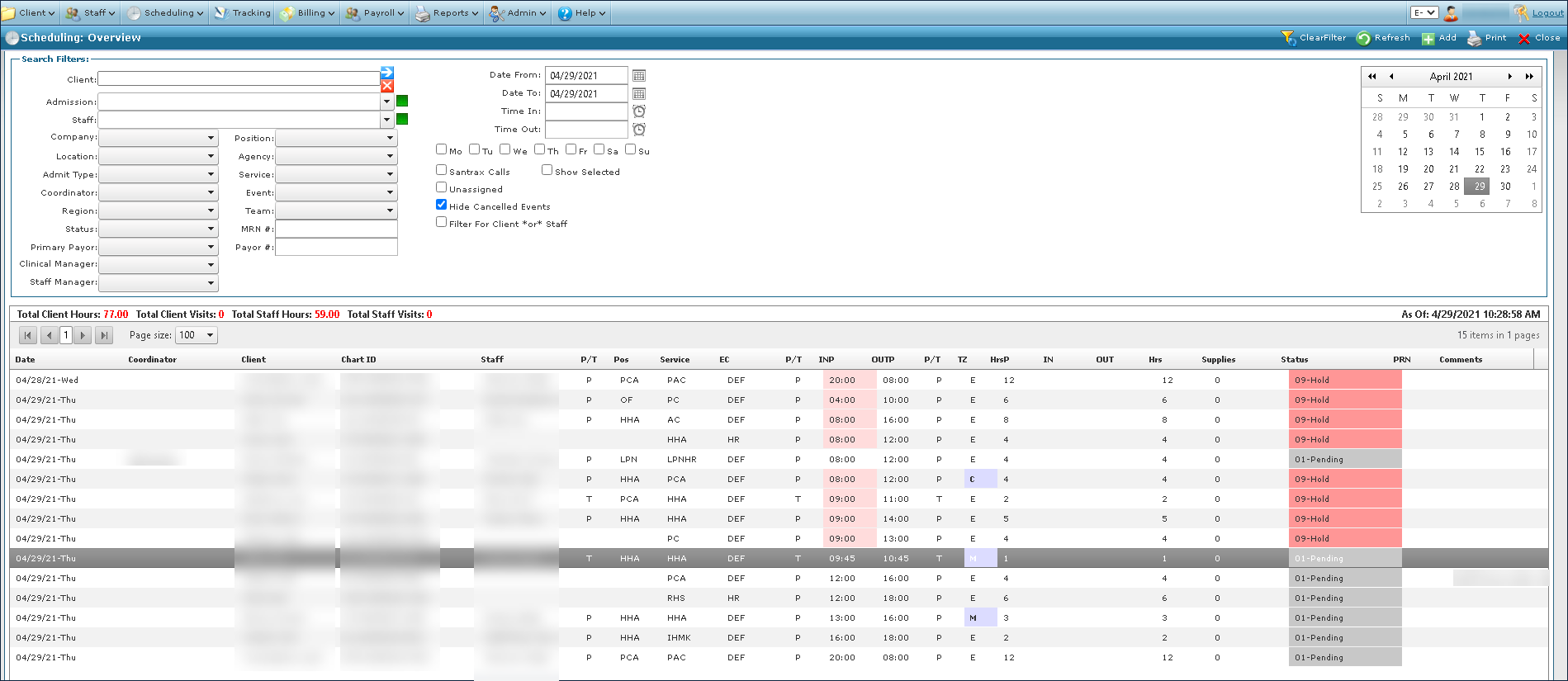
Go to the Documents tab on the Admission Type window under Main Menu > Admin > System Setup > Admission Type > Documents.
-
Select the document to be removed.
-
Select Delete Document.
-
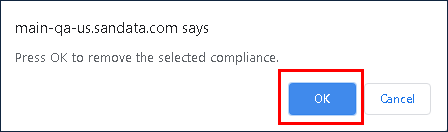
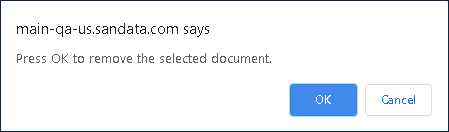
Select Ok.
To add a new compliance document to an Admission Type:
-
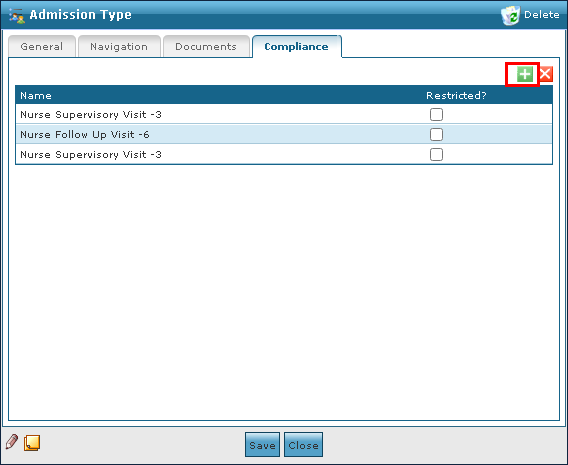
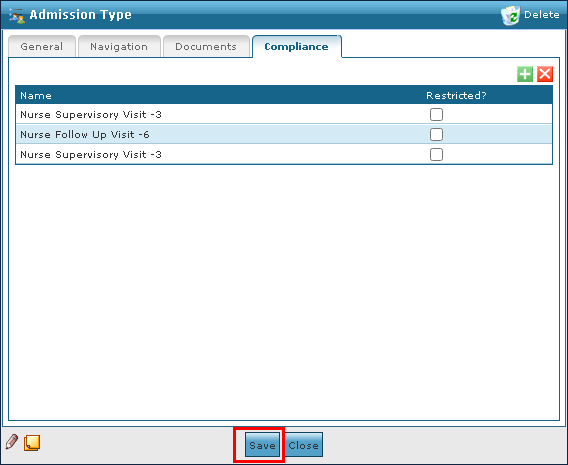
Go to the Compliance tab on the Admission Type window under Main Menu > Admin > System Setup > Admission Type > Compliance.
-
Select the Add Document icon.
-
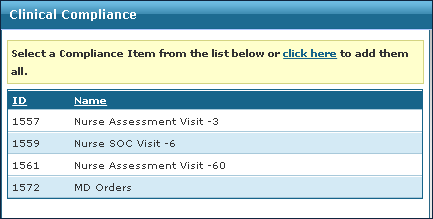
Double click on the document type to be added.
-
Select the Save button.
To remove an invalid or out of date compliance document from an Admission Type:
-
Go to the Compliance tab on the Admission Type window under Main Menu > Admin > System Setup > Admission Type > Compliance.
-
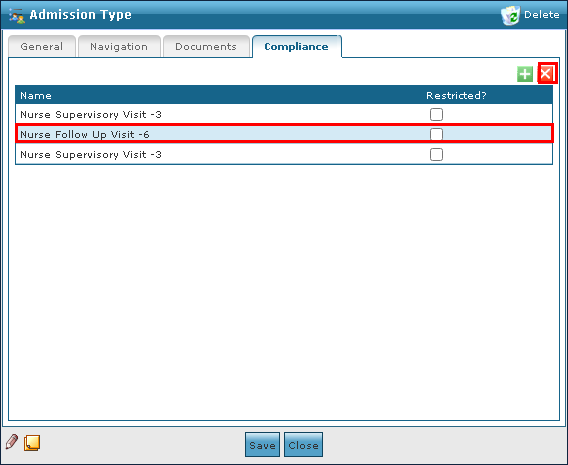
Select the document to be removed.
-
Select the Delete Document icon.
-
Select the Ok button.