Refresh Rates on a Staff Member’s Profile
The Refresh Rates button can be used to update schedules to reflect any changes in the system and can be used similarly to the Update button.
-
Go to Main Menu > Staff.
-
Locate and double click on the staff member using the search filters.
-
Click Schedules.
-
Use the filters to locate the date range of the schedule.
-
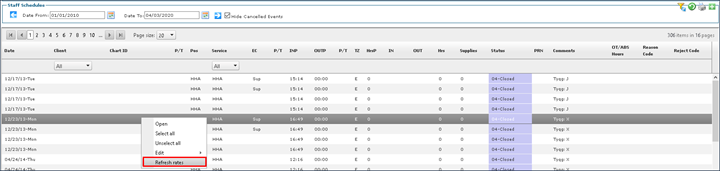
Right click on the schedule and click Refresh Rates.
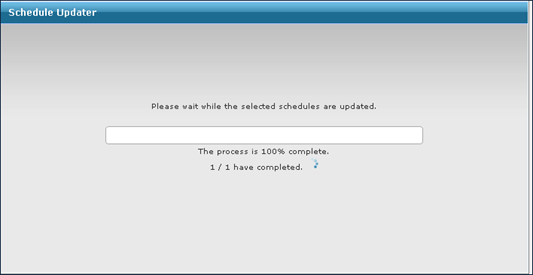
This opens the Schedule Updater window while the rates are refreshed.