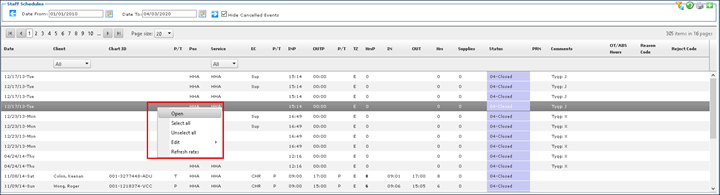
Open a Staff Member's Schedule
To open a staff member's schedule:
-
Go to Main Menu > Staff.
-
Locate and double click on the staff member using the search filters.
-
Click Schedules.
-
Use the filters to locate the date range of the schedule.
-
Right click on the schedule and click Open.